
How to Add a Chatbot to Your Website
Social Intents is a live chat and AI chatbot platform that makes it easy to add a chatbot to any website in minutes. No coding required. Just sign up, train your AI on your content, and paste one line of code.
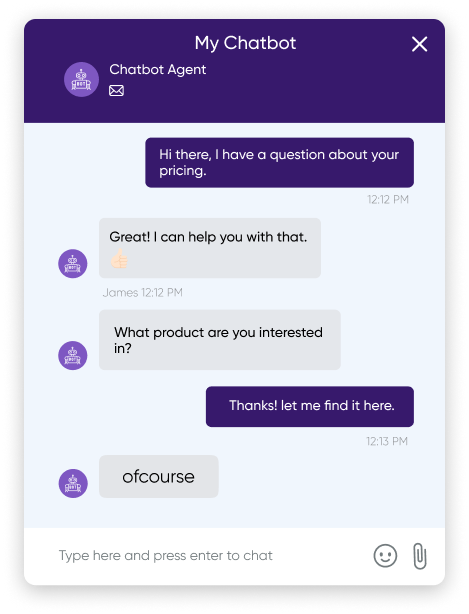
Add a Chatbot in 5 Simple Steps
Follow this guide to add an AI-powered chatbot to your website. Works with WordPress, Shopify, Wix, Squarespace, or any custom site.
Sign up for Social Intents
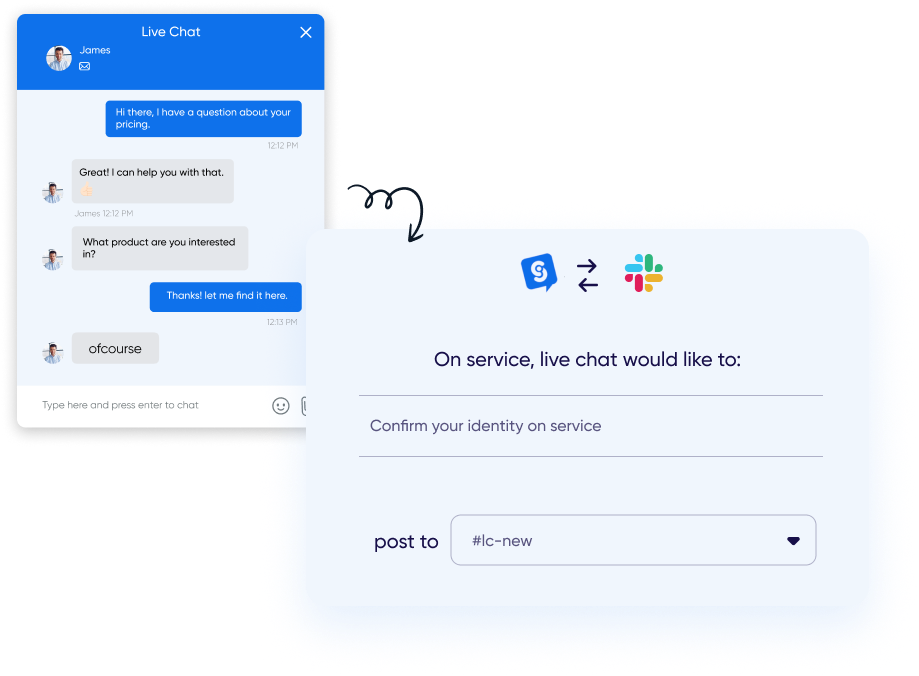
Create a free Social Intents account and connect your team collaboration platform. Choose from Microsoft Teams, Slack, Google Chat, Zoom, or Webex. Your agents will respond to chats from there.
Enable AI and choose your model
In your chat widget settings, enable AI chatbot and select your preferred AI model. GPT-5.6 Luna, GPT-4o, and GPT-4o Mini are built in and ready to use immediately. No API key required to get started.
Built-in AI models included
Start immediately with GPT-5.6 Luna, GPT-4o, or GPT-4o Mini. No separate API signup needed. Only bring your own key if you want access to the latest models.
Available AI models:
-
 ChatGPT – GPT-5.6 Luna, GPT-4o, and GPT-4o Mini built in, or bring your own key for GPT-5.6
-
 Claude – Claude or Haiku (bring your own key)
-
 Gemini – Gemini 3 or Flash (bring your own key)

Train your chatbot on your content
Give your chatbot knowledge about your business. You can train it using:
Website URLs
We crawl and index your pages
PDF Documents
Upload manuals, guides, docs
FAQs & Text
Add Q&A pairs directly
Your chatbot will use this knowledge to answer customer questions accurately in natural language.
Copy the code snippet to your website
In your Social Intents dashboard, go to My Apps → select your widget → Get Code. Copy the JavaScript snippet and paste it into your website's HTML, just before the closing </body> tag.
<!-- Social Intents Chat Widget -->
<script src="https://www.socialintents.com/api/chat/
socialintents.1.4.js#YOUR-APP-ID" async></script>
Platform-specific guides:
 WordPress
 Shopify
Test and go live!
Visit your website and you'll see the chat widget in the corner. Click to open and test your chatbot:
- Ask questions about your products/services
- Request to talk to a human agent
- Verify responses match your training content
You're all set!
Your AI chatbot is now live and ready to help your visitors 24/7.
Works With Any Website Platform
Add your chatbot to WordPress, Shopify, Wix, Squarespace, or any custom HTML site.


Frequently Asked Questions
No coding skills required! You simply copy a single line of JavaScript code and paste it into your website. Most website platforms like WordPress, Shopify, and Wix have easy ways to add custom code. We also have plugins and apps for popular platforms.
Yes! Visitors can request a human at any time by typing phrases like "talk to a human" or clicking a button. Your team receives the chat directly in Microsoft Teams, Slack, Google Chat, Zoom, or Webex. The AI can also automatically escalate complex issues.
Most users have their chatbot live in under 5 minutes. Sign up, connect your team platform, enable AI (GPT-5.6 Luna, GPT-4o, and GPT-4o Mini are built in), enter some website URLs to train on, and paste the code snippet. That's it!
Social Intents starts at $39/month with a 14-day free trial. GPT-5.6 Luna, GPT-4o, and GPT-4o Mini are built in at no extra cost. If you want to use Claude, Gemini, or the latest OpenAI models, you can bring your own API key and pay usage directly to the provider.
Yes! All plans support multiple websites. You can create separate chat widgets for each site with different training content, branding, and settings. Higher tier plans include more widgets.
Ready to Add a Chatbot to Your Website?
Join 50,000+ teams using Social Intents. Start your free 14-day trial. No credit card required.