Juggling customer information across spreadsheets, email inboxes, and sticky notes is a recipe for missed opportunities. As your small business grows, so does the work of managing client relationships. Important details get lost, follow-ups are forgotten, and your team spends more time searching for data than selling or supporting customers. This is the exact problem a good Customer Relationship Management (CRM) system solves. It acts as a central place for all your contacts, interactions, and sales activities, bringing order to your customer data.
Finding the best CRM for your small business means choosing a platform that matches your specific goals, whether that's streamlining your sales pipeline, improving customer support, or simply getting organized. This guide is designed to cut through the noise. We will analyze the top 12 CRM platforms available today, providing an honest look at their features, pricing, and ideal use cases. You will find concise profiles, screenshots, and direct links for each option, so you can evaluate them for yourself.
We will explore everything from user-friendly tools for beginners to more robust platforms with advanced automation. While this guide focuses on small business needs, it's insightful to see how these systems evolve for larger enterprises, exploring the role of advanced CRM solutions for scaling ecommerce brands. Our goal is to give you a clear, actionable comparison to help you select a CRM that fits your current operations and can grow with you.
1. HubSpot CRM
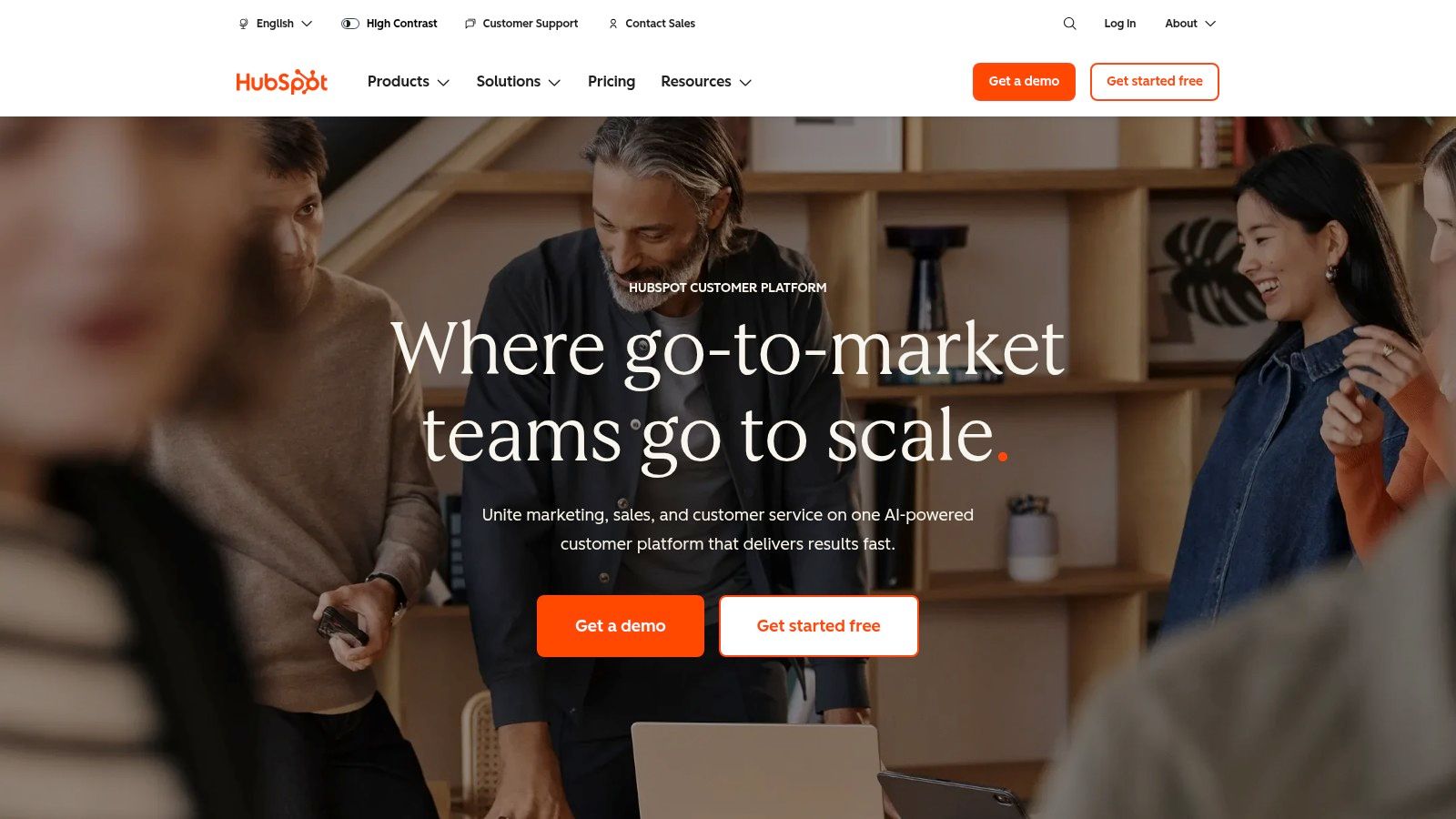
HubSpot CRM has become one of the best CRM for small business options because of its powerful, free-forever plan and its all-in-one platform approach. It combines marketing, sales, customer service, and content management into a single, unified system. This setup provides a complete view of the customer journey without needing to patch together multiple different tools. The platform is designed to grow with a business, offering a clear upgrade path from a free startup tool to a sophisticated enterprise-level solution.
What Makes HubSpot Stand Out?
HubSpot's core strength is its generous free tier, which includes tools like contact management, deal pipelines, live chat, and email marketing. This is not a limited trial; it is a functional CRM that a small business can use indefinitely. The user interface is clean and intuitive, reducing the learning curve for teams new to CRM software. Also, the extensive HubSpot Academy offers free courses and certifications, helping users master inbound marketing and sales strategies.
Pricing & Key Features
HubSpot's pricing is structured around different "Hubs" (Marketing, Sales, Service, CMS) and tiers.
| Tier | Price (Starting From) | Key Features | Best For |
|---|---|---|---|
| Free Tools | $0/month | Contact & deal management, live chat, meeting scheduler, email marketing | Startups and solo entrepreneurs |
| Starter | $15/seat/month | Removes HubSpot branding, simple automation, conversation routing | Small teams needing basic automation |
| Professional | $1,000/month | Advanced automation, AI tools, custom reporting, A/B testing | Growing businesses needing to scale operations |
| Enterprise | $5,000/month | Custom objects, predictive lead scoring, multi-touch revenue attribution | Large organizations with complex processes |
For small businesses, integrating tools like live chat is a straightforward way to capture leads directly on your website. Learn more about connecting your HubSpot live chat to improve customer engagement.
Pros & Cons
- Pros: The free version is incredibly robust. The platform scales easily as your business grows. Its App Marketplace features hundreds of integrations, connecting to tools like Gmail, Slack, and more.
- Cons: The costs can escalate significantly when moving to Professional or Enterprise tiers. Some advanced features, like detailed sales automation, are locked behind the more expensive plans.
2. Salesforce Starter Suite for Small Business
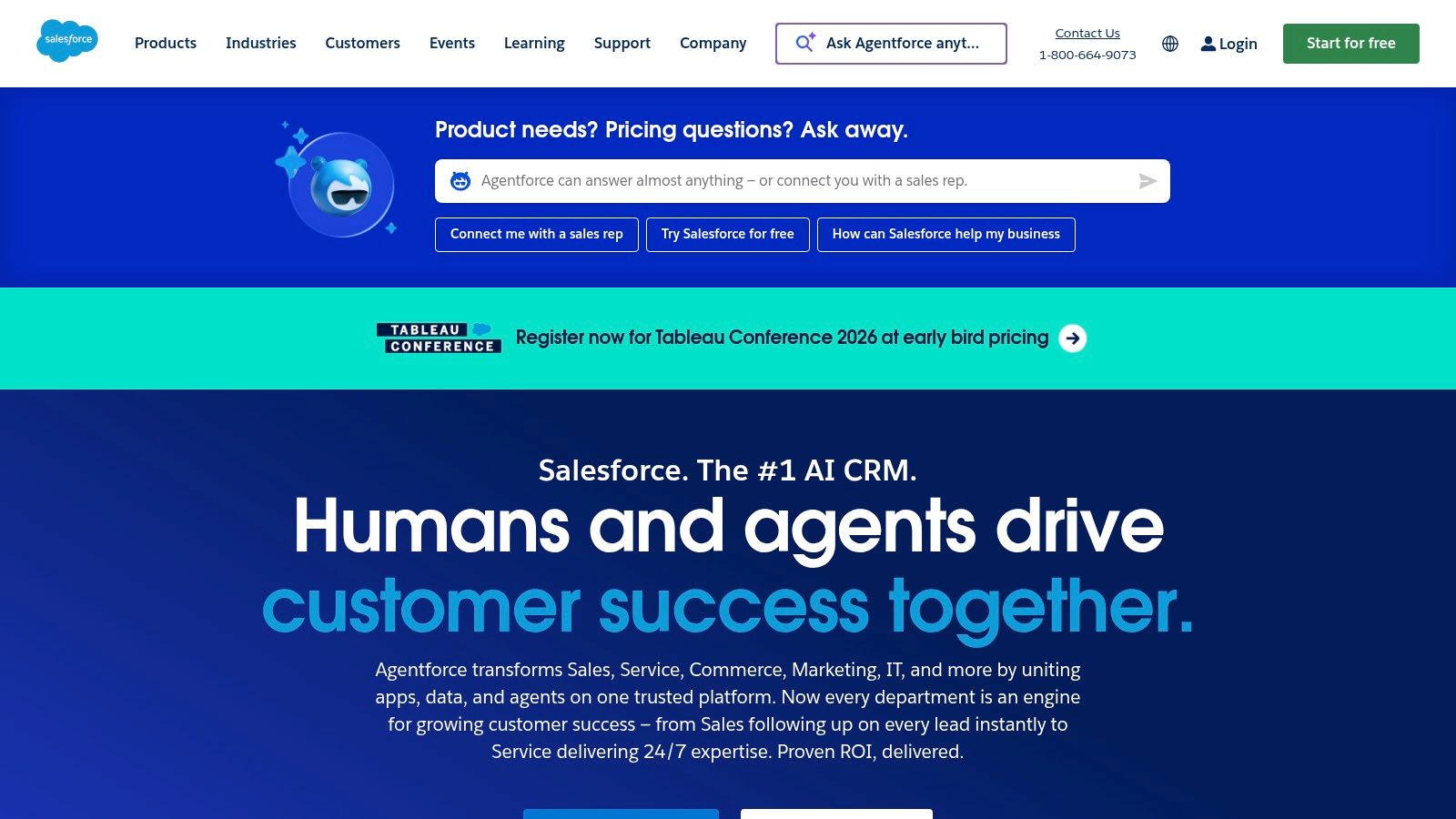
Salesforce brings its enterprise-level power to the small business market with the Salesforce Starter Suite. This bundled offering combines sales, service, and marketing tools into a simplified, all-in-one platform designed for growing teams. It provides a structured pathway for small businesses to use a world-class CRM without the difficulty typically associated with the full Salesforce platform, making it a strong contender for the best crm for small business. The suite is built for teams that anticipate growth and want a system that can scale with them.
What Makes Salesforce Starter Stand Out?
The primary advantage of the Starter Suite is that it offers the core functionality of an industry-leading CRM in a package that is accessible and affordable for small businesses. Guided onboarding and pre-built dashboards help new users get up and running quickly. Its tight integration with Slack makes team collaboration on leads and cases easy directly within their communication hub. This approach allows a small business to build its customer management processes on a robust foundation that is ready for future expansion into more advanced Salesforce products.
Pricing & Key Features
Salesforce Starter is an all-in-one suite with a simple pricing model.
| Tier | Price (Starting From) | Key Features | Best For |
|---|---|---|---|
| Starter Suite | $25/user/month | Lead, contact, & opportunity management; case management; email marketing campaigns; Slack connectivity | Small teams needing a unified sales, service, and marketing CRM |
| Pro Suite | $100/user/month | Forecasting, quoting, sales process automation, advanced reporting | Growing businesses that require more automation and sales process customization |
Integrating real-time chat can significantly boost lead capture and support efficiency. You can discover more about connecting Salesforce with a live chat tool to streamline customer interactions.
Pros & Cons
- Pros: Access to a powerful, enterprise-grade platform in a simplified package. It has a clear upgrade path as your business scales and a massive AppExchange for integrations.
- Cons: The features in the Starter tier are intentionally streamlined and may feel limited compared to the full Salesforce experience. Some commerce features incur transaction fees.
3. Zoho CRM
Zoho CRM is a long-standing and budget-friendly CRM that offers a broad suite of tools within a single, interconnected ecosystem. It's particularly appealing for small businesses that want wide functionality, from sales automation to marketing, without a hefty price tag. The platform is built to work seamlessly with Zoho's 40+ other business applications, creating a powerful, unified system for managing an entire organization. This native integration makes it one of the best CRM for small business choices for companies already using or planning to use other Zoho products.
What Makes Zoho CRM Stand Out?
Zoho CRM's key differentiator is its incredible value. It packs a wide array of features, including lead management, workflow automation, and AI assistance with its "Zia" tool, into highly competitive price points. The platform is also deeply customizable, allowing businesses to adapt modules and layouts to their specific processes. Unlike many competitors that reserve advanced features for enterprise-level plans, Zoho makes powerful tools accessible to small and growing teams, providing a scalable solution that doesn't break the bank.
Pricing & Key Features
Zoho CRM offers a feature-rich free plan and several affordable paid tiers, making it accessible for any budget.
| Tier | Price (Starting From) | Key Features | Best For |
|---|---|---|---|
| Free | $0/month (up to 3 users) | Lead, contact, and deal management; standard reports | Individuals and small teams just starting out |
| Standard | $14/user/month | Scoring rules, email insights, workflow automation, multiple pipelines | Growing teams needing sales automation |
| Professional | $23/user/month | SalesSignals, Blueprints (process management), inventory management | Businesses with established sales processes |
| Enterprise | $40/user/month | Zia AI, multi-user portals, advanced customization, mobile SDK | SMBs needing advanced AI and customization |
Integrating live chat is an effective way to generate leads directly from your website. Learn more about connecting Zoho CRM with live chat to streamline your lead capture process.
Pros & Cons
- Pros: Highly competitive pricing offers excellent value. The native integration with the Zoho ecosystem (Books, Campaigns, Desk) is a major advantage. It provides strong customization capabilities for small business budgets.
- Cons: The reporting builder can have a learning curve for new users. Some of the most advanced AI features are only available in the higher-priced tiers.
4. Pipedrive
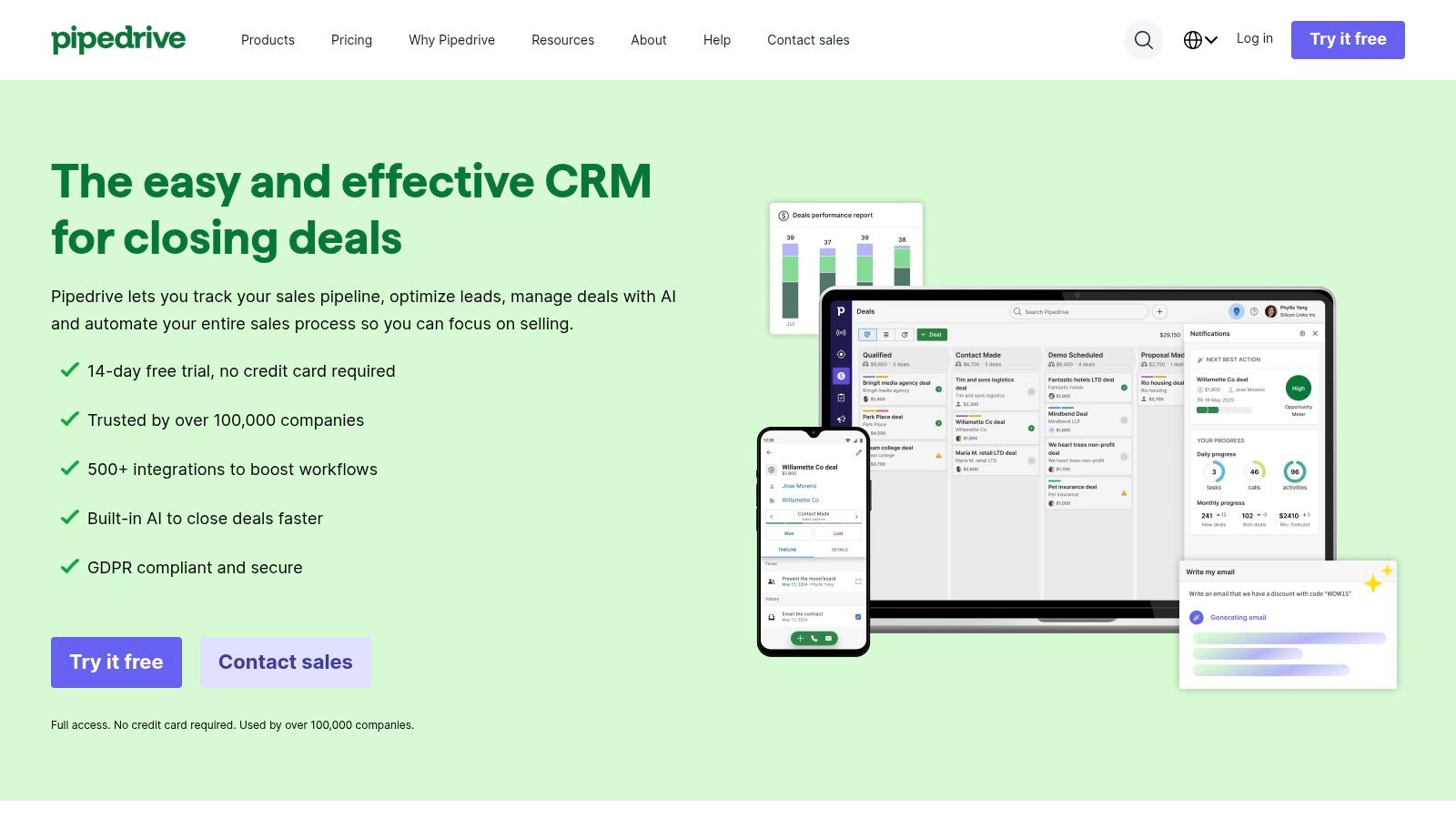
Pipedrive is a sales-focused CRM designed with a clear goal: to help salespeople sell. Its standout feature is a highly visual, drag-and-drop sales pipeline that makes tracking deals intuitive and straightforward. This focus on pipeline management provides sales teams with a clear overview of their workflow, helping them identify opportunities and bottlenecks quickly. The platform is built for action, minimizing administrative overhead and allowing users to concentrate on closing deals.
What Makes Pipedrive Stand Out?
Pipedrive's strength is its simplicity and laser focus on the sales process. The user experience is one of the easiest to adopt, making it an excellent choice for small businesses that need a quick setup and minimal training. Its AI-powered Sales Assistant suggests next actions and automates repetitive tasks, helping reps stay productive. The platform is also known for its extensive marketplace with over 400 integrations, allowing teams to connect their existing tools for a unified workflow.
Pricing & Key Features
Pipedrive offers several straightforward tiers, with pricing based on a per-user model.
| Tier | Price (Starting From) | Key Features | Best For |
|---|---|---|---|
| Essential | $9.90/user/month | Visual pipeline, deal & contact management, calendar view | Solopreneurs and very small teams just starting with CRM |
| Advanced | $19.90/user/month | Email sync, workflow builder with automations, meeting scheduler | Growing sales teams needing to automate email and tasks |
| Professional | $39.90/user/month | Revenue forecasting, one-click calling, custom reporting | Established teams focused on performance and reporting |
| Enterprise | $59.90/user/month | Enhanced security, advanced user permissions, phone support | Larger businesses requiring greater customization and security |
Pros & Cons
- Pros: Among the easiest CRMs to adopt with a fast time-to-value. It is purpose-built for sales teams focused on pipeline velocity and has extensive integration options.
- Cons: It does not offer a permanent free plan, only a trial period. Key features like marketing automation are available only as paid add-ons.
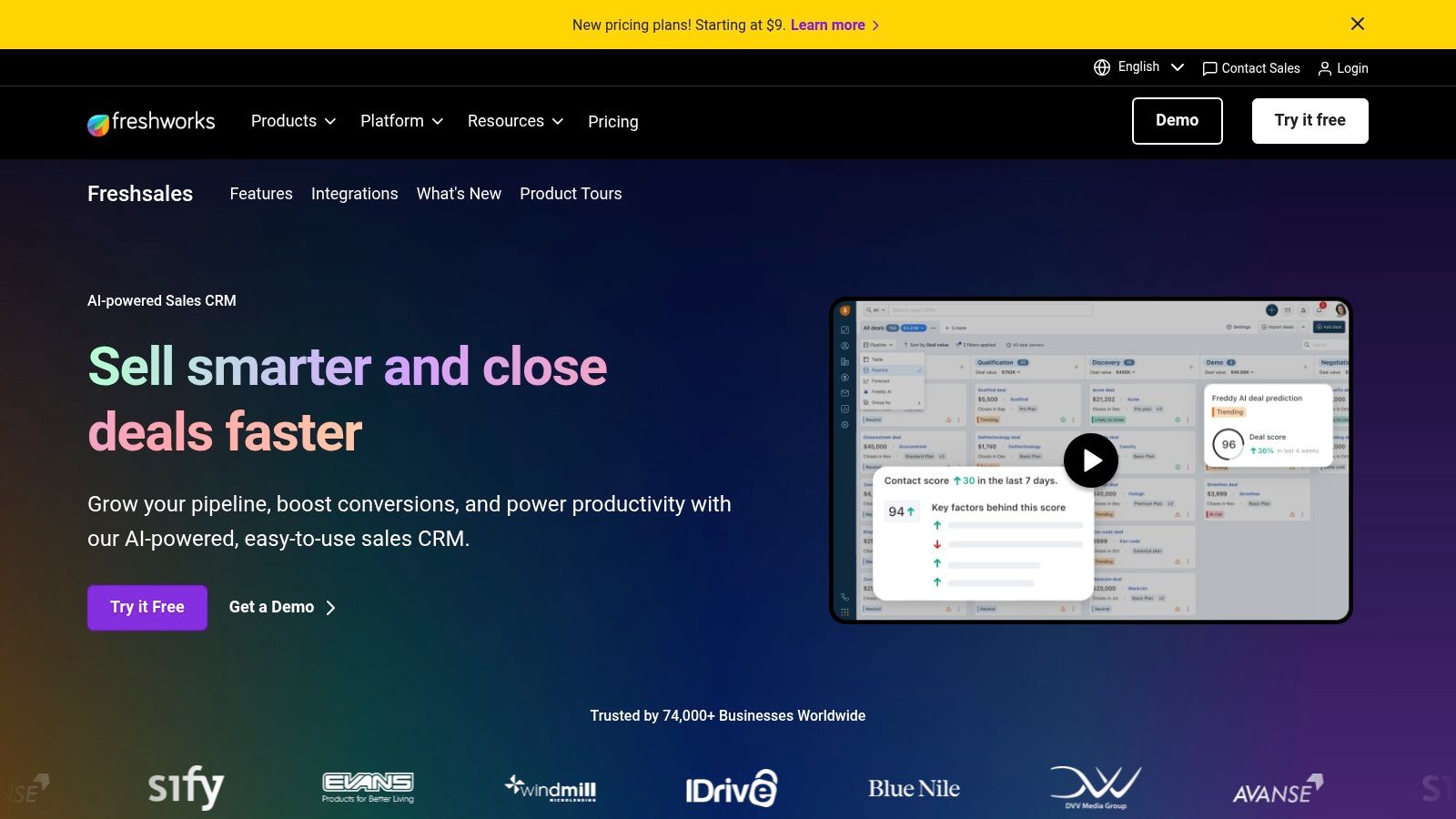
5. Freshsales by Freshworks
Freshsales, the sales CRM from Freshworks, is a powerful choice for small businesses seeking an all-in-one solution that integrates sales and communication channels. It is built around the idea of providing a unified platform with a built-in phone, email, and chat, eliminating the need for separate tools. This approach gives sales teams a complete, 360-degree view of every customer interaction, powered by AI to help prioritize leads and deals effectively.
What Makes Freshsales Stand Out?
The standout feature of Freshsales is its integration of Freddy AI, which provides intelligent lead scoring, deal insights, and even chatbot capabilities. This built-in intelligence helps small teams work smarter by focusing their efforts on the most promising opportunities. The platform is also known for its user-friendly visual sales pipelines, which allow users to drag and drop deals between stages. Its straightforward setup and generous 21-day free trial make it one of the more accessible CRM for small business options.
Pricing & Key Features
Freshsales offers a free-forever plan and three paid tiers, with no seat minimums, making it highly scalable.
| Tier | Price (Starting From) | Key Features | Best For |
|---|---|---|---|
| Free | $0/month | Contact & account management, built-in chat, email & phone, 24×5 support | Freelancers and startups needing core CRM functions |
| Growth | $9/user/month | Visual sales pipeline, AI-powered contact scoring, sales sequences, product catalog | Small sales teams ready to automate outreach |
| Pro | $39/user/month | Multiple sales pipelines, AI deal insights (Freddy), territory management | Growing businesses with multiple sales processes |
| Enterprise | $69/user/month | AI-based forecasting, custom modules, dedicated account manager | Larger SMBs requiring advanced customization and support |
Pros & Cons
- Pros: The entry-level pricing is very affordable, and the free plan is a great starting point. The quick setup and lack of seat minimums provide excellent flexibility for small teams.
- Cons: Advanced customization options are less extensive when compared to platforms like Salesforce or HubSpot. Some key features, such as document management and advanced bots, are paid add-ons that can increase the overall cost.
6. Monday Sales CRM
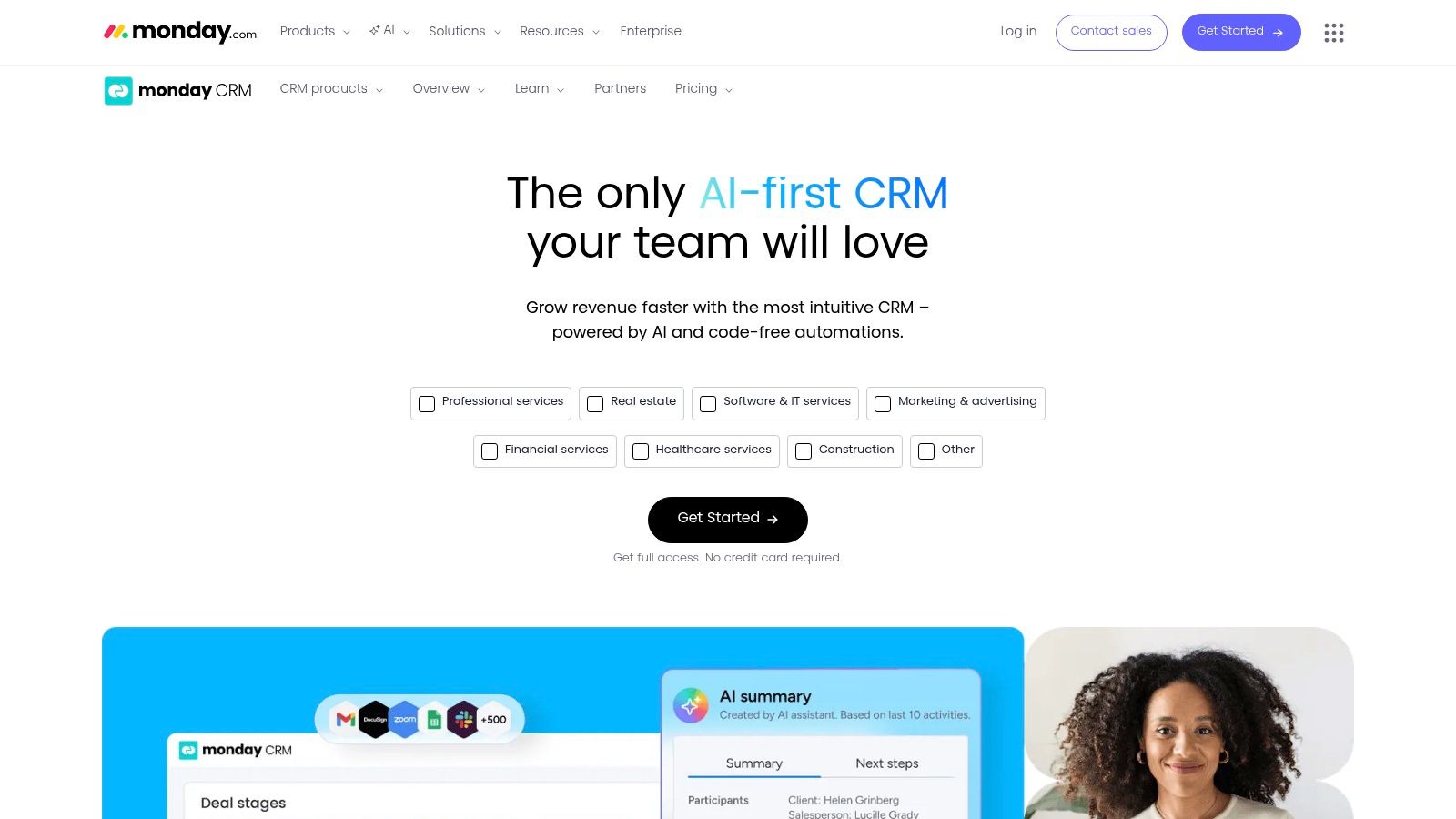
Monday Sales CRM uses the visual and flexible framework of the monday.com Work OS to create a unique customer relationship management tool. It stands out by combining traditional CRM functionalities with powerful project and workflow management. This approach is ideal for small businesses that want a single platform to manage sales pipelines, client projects, and internal team tasks, eliminating the need to switch between different applications.
What Makes Monday Sales CRM Stand Out?
The core strength of Monday Sales CRM is its highly visual and intuitive board-based interface. Users can build and customize pipelines, dashboards, and workflows using drag-and-drop components, making it one of the best CRM for small business options for teams who value flexibility. Its powerful no-code automations allow businesses to streamline repetitive tasks like lead assignments or follow-up notifications. The platform's extensive template library provides a solid starting point for various sales processes.
Pricing & Key Features
Monday Sales CRM's pricing is user-based and requires a minimum of three seats.
| Tier | Price (Starting From) | Key Features | Best For |
|---|---|---|---|
| Basic CRM | $10/seat/month | Unlimited customizable pipelines, unlimited contacts, pre-made templates | Small teams needing a simple, visual way to manage contacts and deals. |
| Standard CRM | $14/seat/month | Advanced CRM features, quotes and invoices, 250 automation actions | Growing businesses that need basic sales automation and quoting capabilities. |
| Pro CRM | $24/seat/month | Sales forecasting, email tracking & automations, mass emails | Sales-focused teams requiring deeper insights and email marketing integration. |
| Enterprise | Custom Pricing | Lead scoring, advanced reporting, enterprise-grade security | Larger organizations with complex sales operations and security needs. |
Pros & Cons
- Pros: The highly visual interface is easy to learn and customize. It effectively blends CRM with project management for a unified workflow. The automation and integration capabilities are powerful and user-friendly.
- Cons: The three-seat minimum makes the effective starting cost higher for solo entrepreneurs or very small teams. Some advanced sales features are only available in the more expensive Pro and Enterprise tiers.
7. Copper
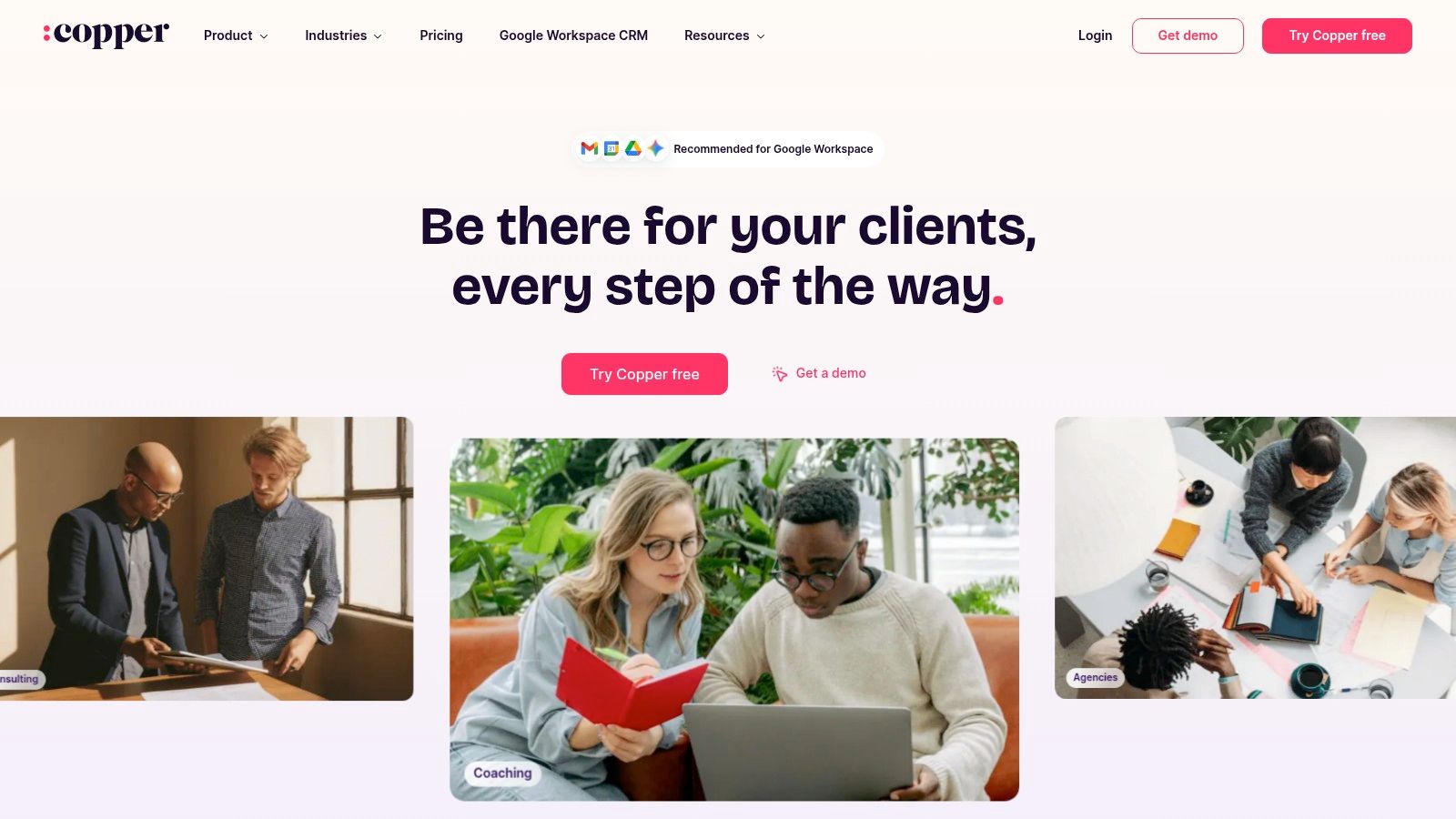
Copper is the best CRM for small business owners who live and breathe inside Google Workspace. It’s designed from the ground up to integrate directly into Gmail, making it feel less like a separate application and more like a native extension of your inbox. This tight integration means teams can manage leads, track conversations, and update deals without ever leaving their email client. For businesses fully committed to the Google ecosystem, Copper eliminates the friction of switching between tabs and tools, centralizing customer data where communication already happens.
What Makes Copper Stand Out?
Copper’s defining feature is its best-in-class Google Workspace integration. It automatically scrapes contact information, emails, and files from Gmail and syncs meetings from Google Calendar, significantly reducing manual data entry. The Chrome extension provides a sidebar right inside your inbox, giving you instant context on every contact. This "zero-input" philosophy makes it one of the easiest CRMs to adopt, as it fits directly into existing workflows rather than forcing teams to learn a completely new system.
Pricing & Key Features
Copper offers three primary tiers, with features scaling to meet different business needs.
| Tier | Price (Starting From) | Key Features | Best For |
|---|---|---|---|
| Basic | $23/user/month | Full Google Workspace integration, 2,500 contacts, pipeline management | Freelancers and very small teams new to CRM |
| Professional | $59/user/month | 15,000 contacts, workflow automation, bulk email sending, Zapier integration | Growing teams needing automation and more contacts |
| Business | $99/user/month | Unlimited contacts, email sequences, advanced reporting, lead scoring | Established businesses that need to scale sales and marketing efforts |
To get started, you can explore their platform directly at Copper's website.
Pros & Cons
- Pros: Unparalleled native integration with Gmail and Google Workspace. The user interface is clean, modern, and requires minimal training. Automatic data capture saves a significant amount of time.
- Cons: Less effective for teams that don't primarily use Google Workspace. Lower-priced plans have strict contact limits, and more advanced automation is reserved for higher tiers.
8. Close
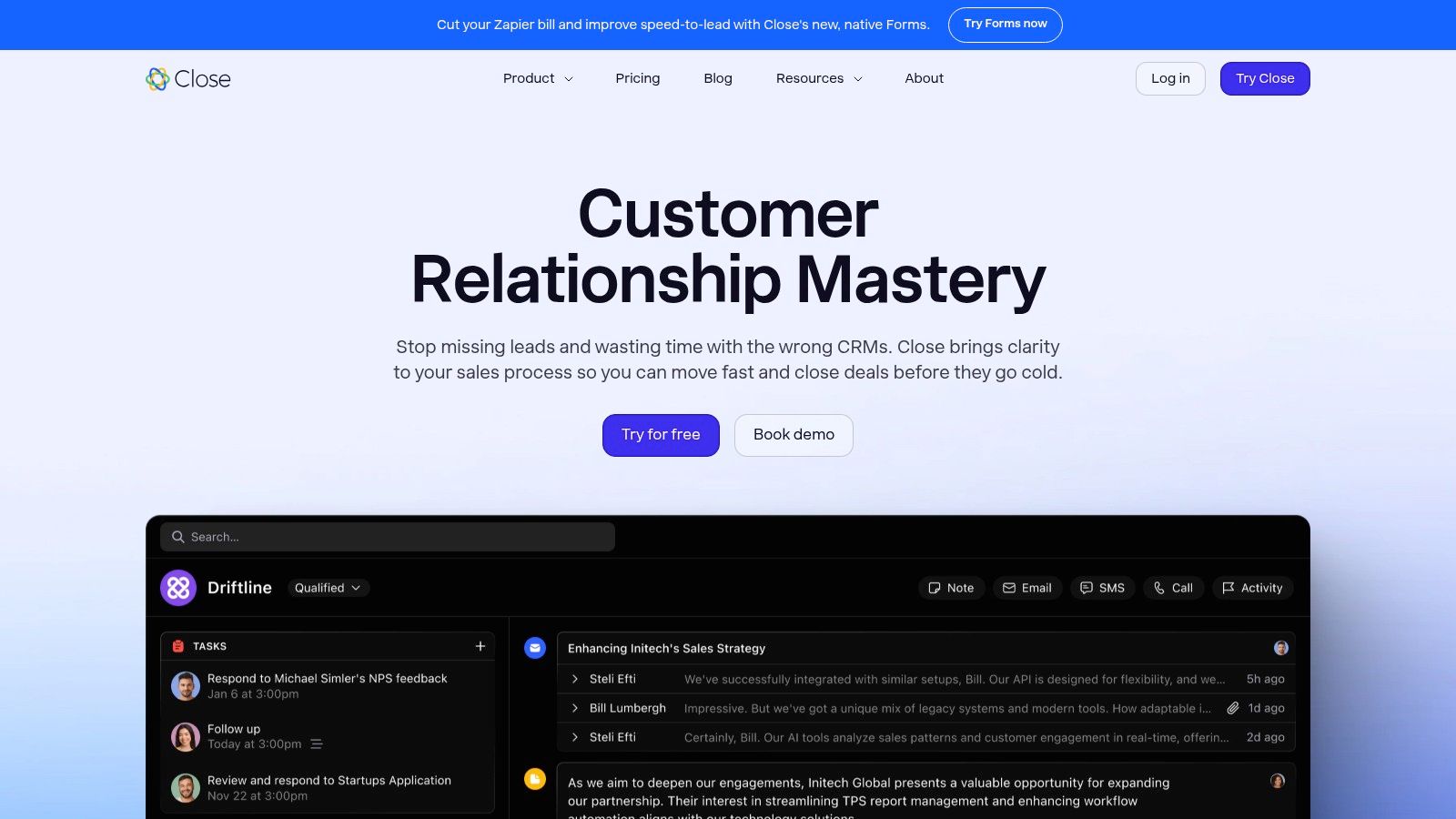
Close is a high-performance CRM built specifically for sales teams that prioritize direct communication. It integrates native calling, SMS, and email into a single, cohesive platform, eliminating the need for separate communication tools. This all-in-one approach is ideal for small businesses with outbound-heavy sales processes, as it allows reps to manage outreach and track every interaction without ever leaving the CRM. The focus is on action and efficiency, helping teams make more calls and send more emails.
What Makes Close Stand Out?
The core differentiator for Close is its powerful, built-in communication suite. Features like the Power Dialer and Predictive Dialer automate the dialing process, maximizing the number of conversations a sales rep can have each day. All communications, from calls and voicemails to emails and texts, are automatically logged in the contact’s timeline. This provides a complete, chronological history of every interaction, which is invaluable for sales follow-up and team collaboration.
Pricing & Key Features
Close offers straightforward, user-based pricing with no long-term contracts required.
| Tier | Price (Starting From) | Key Features | Best For |
|---|---|---|---|
| Startup | $49/user/month | 2,500 leads, basic API access, Zapier integration | Solo entrepreneurs or small teams starting with sales outreach |
| Professional | $99/user/month | 10,000 leads, multi-pipeline management, call forwarding | Growing sales teams needing more lead capacity and pipeline tools |
| Business | $149/user/month | Unlimited leads, Predictive Dialer, call recording, group calling | High-volume sales teams focused on maximizing outbound efficiency |
Learn more about Close's features and transparent pricing directly on their website: https://www.close.com.
Pros & Cons
- Pros: Excellent for high-volume outbound sales and outreach. The all-in-one communication system reduces tool sprawl and improves productivity. Its pricing is transparent and contract-free.
- Cons: Phone and SMS usage are billed separately based on usage rates. Some advanced features, like custom permissions and role-based access, are reserved for the highest-tier plan.
9. Zendesk Sell
Zendesk Sell is a sales-focused CRM designed to improve productivity and visibility for sales teams. It operates as part of the broader Zendesk ecosystem, pairing naturally with its renowned customer service platform, Zendesk Support. This integration creates a seamless flow of information between sales and support, giving teams a unified view of the customer. For businesses that prioritize a strong connection between pre-sale and post-sale experiences, Zendesk Sell is a powerful contender.
What Makes Zendesk Sell Stand Out?
The primary advantage of Zendesk Sell is its native integration with Zendesk Support. This connection allows for smooth handoffs, where sales reps can see a prospect's entire support history and support agents can see deal context. The platform also excels in its user experience, with a clean interface and a modern, highly-rated mobile app that is perfect for sales teams on the go. Its focus on core sales activities like pipeline management, email integration, and forecasting keeps teams centered on closing deals.
Pricing & Key Features
Zendesk Sell offers several tiers, with pricing based on features and user count.
| Tier | Price (Starting From) | Key Features | Best For |
|---|---|---|---|
| Sell Team | $19/seat/month | Custom sales pipelines, email integration, call tracking, mobile app | Small sales teams needing core CRM functionalities. |
| Sell Growth | $55/seat/month | Advanced call analytics, customizable dashboards, forecasting | Growing businesses looking for better sales insights. |
| Sell Professional | $115/seat/month | Lead & deal scoring, sales triggers, advanced roles & permissions | Established teams needing automation and sales intelligence. |
For a complete solution, businesses often bundle Zendesk Sell with Zendesk Support, which provides a comprehensive customer experience platform.
Pros & Cons
- Pros: The user interface is clean, promoting quick user adoption. Its mobile app is robust and ideal for field sales teams. The seamless handoff between sales and support is a significant operational advantage.
- Cons: There is no free-forever plan available. More advanced features like lead scoring and granular user permissions are restricted to the higher-priced tiers.
10. Insightly
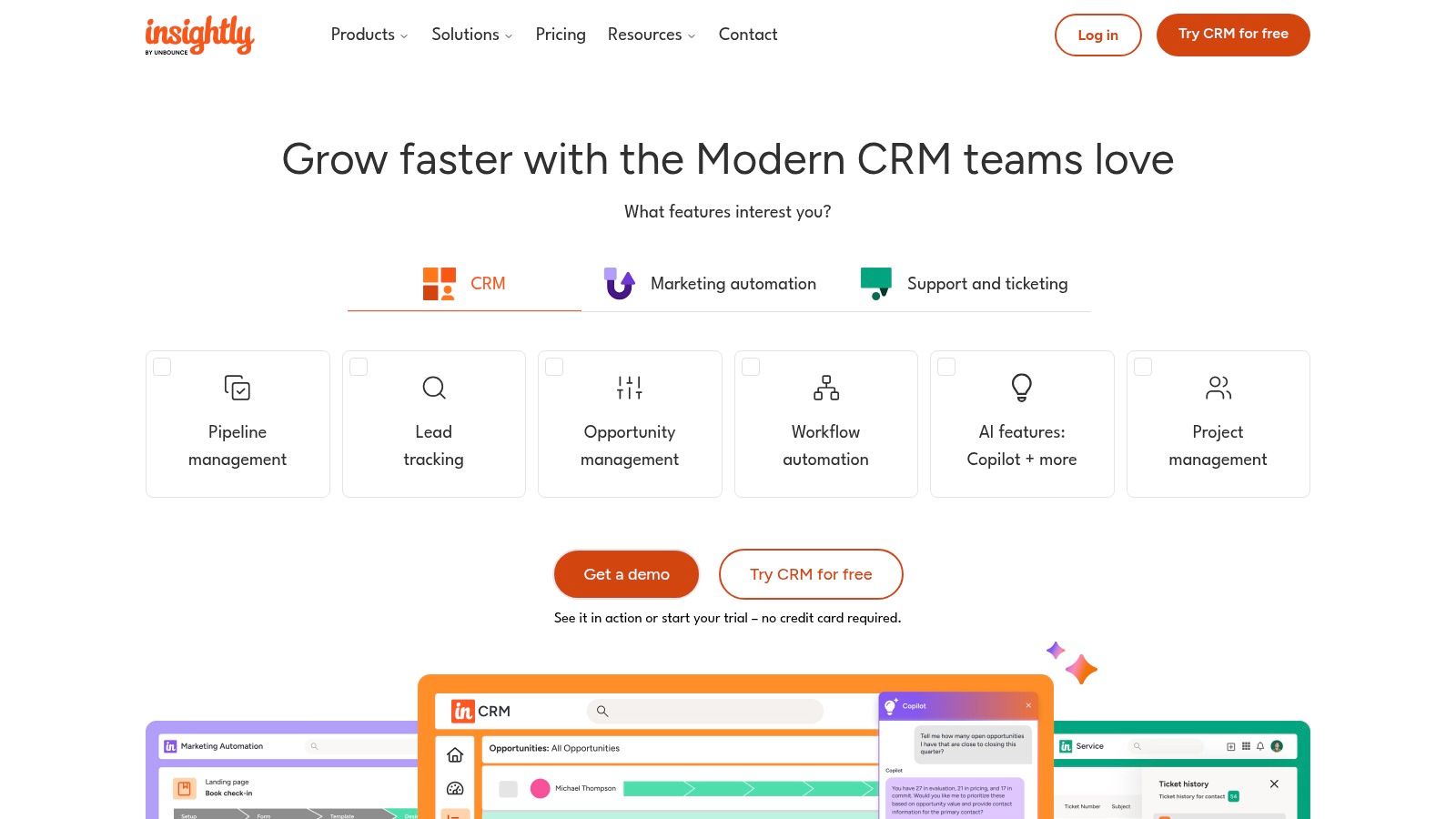
Insightly carves out a unique space as a CRM for small business by smoothly blending customer relationship management with built-in project management. This is particularly valuable for service-based businesses or companies that manage complex post-sale delivery processes. The platform allows teams to convert a closed deal directly into a project, making for a smooth handoff from the sales team to the delivery or implementation team. This integrated approach provides a unified view of the entire customer lifecycle, from lead to project completion.
What Makes Insightly Stand Out?
The core differentiator for Insightly is its native project management functionality. While many CRMs can integrate with project management tools, Insightly builds this capability directly into its platform. This creates a powerful workflow where sales activities, once completed, trigger project creation, task assignments, and milestone tracking without leaving the CRM. This continuity eliminates data silos and reduces manual work, which is a significant advantage for businesses that need to manage client projects after winning a deal.
Pricing & Key Features
Insightly offers separate pricing for its CRM, Marketing, and Service products, as well as All-in-One bundles. The CRM pricing is as follows:
| Tier | Price (Per User/Month) | Key Features | Best For |
|---|---|---|---|
| Plus | $29 | Contact, lead, & opportunity management; Project management; Customizable sales processes | Small teams needing a combined sales and project tool |
| Professional | $49 | Lead assignment & routing rules; Customizable real-time dashboards; Role-based permissions | Growing businesses that require basic sales automation |
| Enterprise | $99 | Custom objects; AI-powered lead scoring (Copilot); Non-destructive data modeling | Larger teams needing advanced customization and AI features |
Pros & Cons
- Pros: The integration of sales and project management is excellent for service-based businesses. Its pricing is straightforward on a per-user basis, and it offers All-in-One bundles to simplify software purchasing.
- Cons: Many advanced automation and AI features are restricted to the highest-priced tiers. Onboarding services, which can add to the cost, might be needed to fully use the platform's more complex bundles.
11. Nutshell
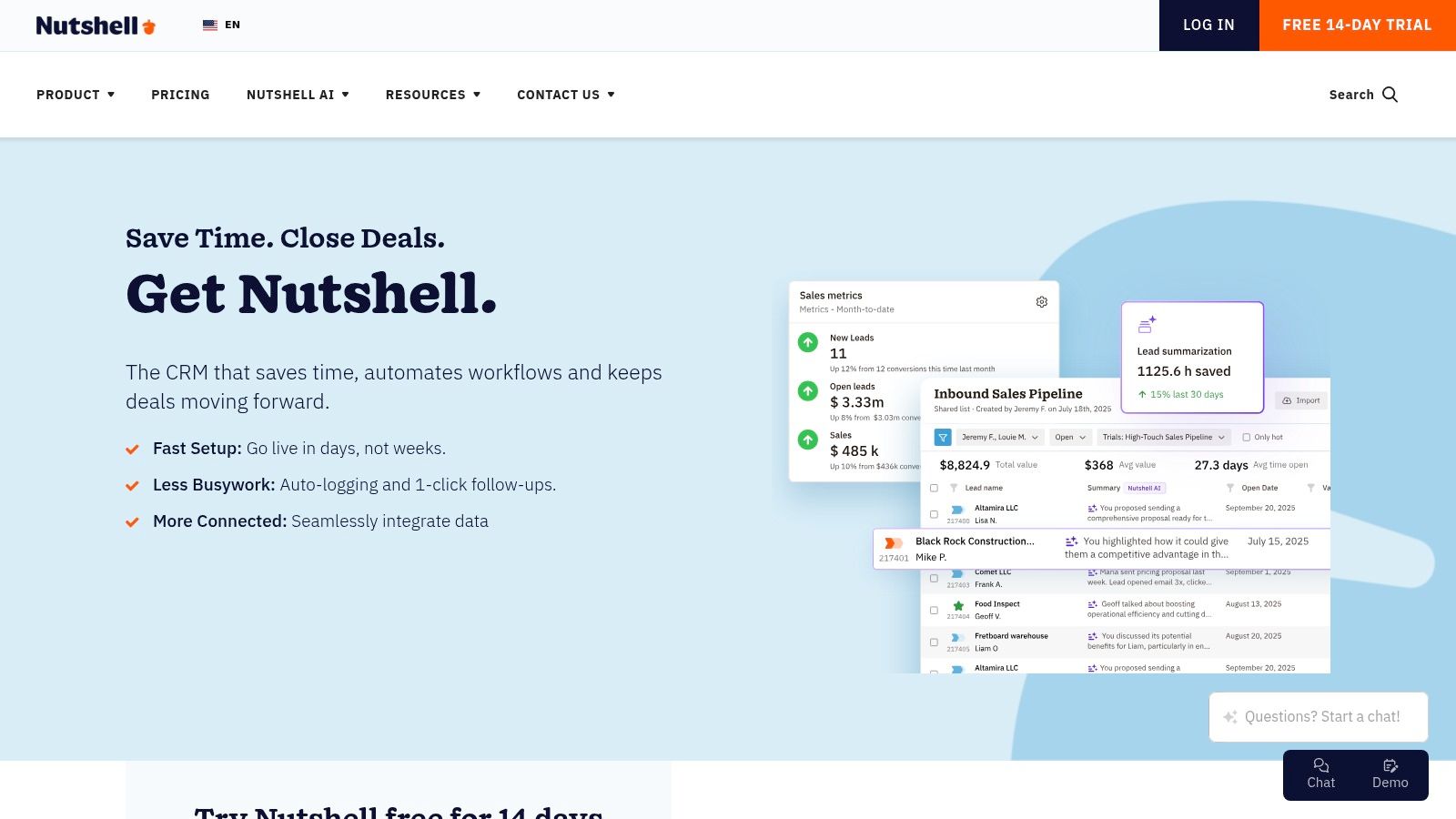
Nutshell is a sales-focused CRM designed specifically for small and medium-sized businesses, offering a powerful combination of simplicity and functionality. It provides a comprehensive suite of tools that includes unlimited contacts, multiple sales pipelines, and robust automation features. The platform stands out by including web chat and an AI chatbot in every CRM plan, allowing businesses to engage leads directly from their website without needing extra subscriptions.
What Makes Nutshell Stand Out?
The primary advantage of Nutshell is its clear, all-inclusive approach to CRM features. Unlike competitors that gate important tools behind expensive tiers, Nutshell includes its live chat and AI bot functionality across all CRM plans. This makes it an excellent choice for businesses prioritizing lead capture and engagement. The platform is also known for its user-friendly interface and hands-on customer support, which simplifies the onboarding process for teams that are new to customer relationship management software.
Pricing & Key Features
Nutshell offers straightforward pricing with optional add-ons for marketing and engagement tools.
| Tier | Price (Starting From) | Key Features | Best For |
|---|---|---|---|
| Foundation | $16/user/month | Unlimited contacts, customizable pipeline, web chat & chatbot, basic reporting | Small teams needing a core sales CRM with lead capture tools |
| Pro | $42/user/month | Sales automation, advanced reporting, personal email sequences, click-to-call & recording | Growing businesses that require sales automation and deeper analytics |
| Power AI | $52/user/month | AI-powered timeline summaries, transcription, and note-taking | Sales teams wanting to leverage AI for improved productivity and insights |
| Enterprise | Custom Pricing | Dedicated success manager, custom software integrations, SSO | Larger organizations with specific process and support requirements |
You can explore Nutshell's full feature set on their official website: https://www.nutshell.com
Pros & Cons
- Pros: The pricing is transparent and competitive, with valuable features like web chat included in all plans. It offers excellent customer support and a simple onboarding process. Its AI features on higher tiers provide significant productivity gains.
- Cons: The integration marketplace is smaller compared to industry giants like HubSpot. Certain advanced functionalities, such as email marketing and quoting, are only available as paid add-ons.
12. Less Annoying CRM
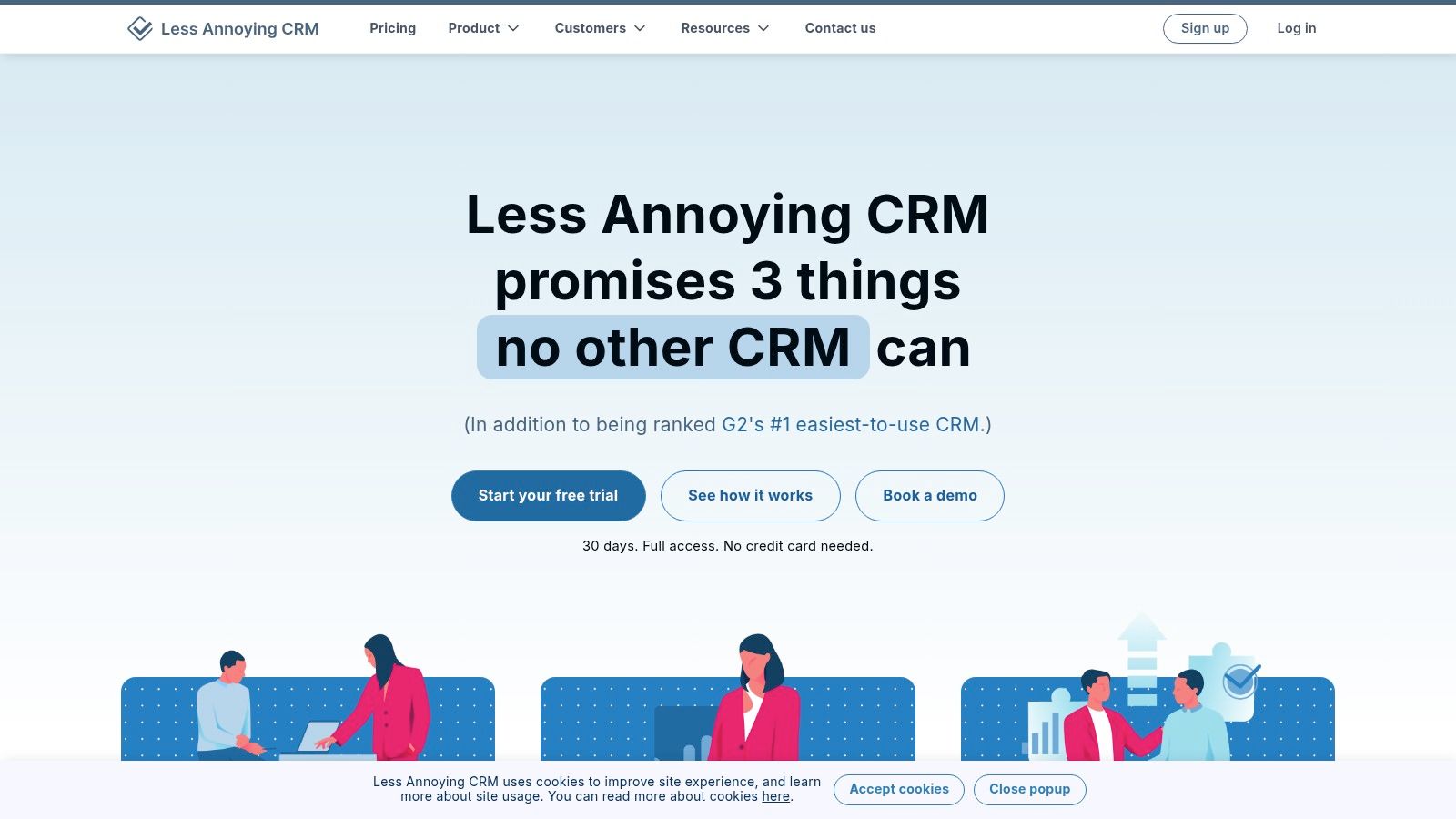
Less Annoying CRM lives up to its name by offering a refreshingly simple and straightforward solution built specifically for small businesses that find other platforms overly complex. It focuses on the core functionalities of customer relationship management without the clutter of enterprise-level features. This approach makes it one of the best CRM for small business options for those who need to get up and running quickly with minimal training and a predictable, affordable price tag.
What Makes Less Annoying CRM Stand Out?
The platform’s standout feature is its radical simplicity and transparent pricing. There are no confusing tiers, hidden fees, or long-term contracts. Every user gets access to every feature for one flat monthly rate. The user interface is clean and intuitive, focusing on contacts, lead pipelines, calendars, and tasks. This makes onboarding new team members fast and straightforward, a significant advantage for small teams with limited resources for extensive training.
Pricing & Key Features
Less Annoying CRM offers a single, all-inclusive plan, which simplifies the decision-making process for business owners.
| Tier | Price (Starting From) | Key Features | Best For |
|---|---|---|---|
| All-Inclusive | $15/user/month | Contact management, sales pipelines, calendar & tasks, email logging, unlimited contacts | Solopreneurs and small teams who need a simple, effective CRM without complexity |
Pros & Cons
- Pros: Extremely easy to learn and use. The single, low-cost plan provides excellent value and predictability. Customer support is highly responsive and included for free.
- Cons: It lacks the advanced automation, AI-powered insights, and extensive native integrations found in larger CRM suites. The feature set may be too basic for rapidly scaling businesses.
Top 12 CRMs for Small Business — Comparison
| Product | Core features | Quality ★ | Pricing / Value 💰 | Target 👥 | USP ✨ / 🏆 |
|---|---|---|---|---|---|
| HubSpot CRM | CRM + Marketing, Service, chatbots, deep integrations | ★★★★☆ | 💰Free tier; seat pricing scales (can be costly) | 👥 Startups → Enterprise | ✨Unified data layer & huge marketplace 🏆 |
| Salesforce Starter Suite | Sales, Service, Marketing bundle with Slack connectivity | ★★★★☆ | 💰Free Suite (≤2 users); upgrades for full power | 👥 Small teams wanting enterprise-grade | ✨Enterprise platform in SMB bundle 🏆 |
| Zoho CRM | Sales automation, Zia AI, broad native app ecosystem | ★★★☆☆ | 💰Budget-friendly; strong feature/value ratio | 👥 Growing SMBs on a budget | ✨40+ apps + 600+ integrations |
| Pipedrive | Drag‑and‑drop pipelines, AI helpers, rich integrations | ★★★★☆ | 💰Mid-priced; trial only (no free) | 👥 Sales-focused teams & reps | ✨Fast adoption; pipeline-first UX 🏆 |
| Freshsales (Freshworks) | Visual pipelines, built‑in telephony, Freddy AI | ★★★★☆ | 💰Affordable entry; free plan option | 👥 SMBs needing multichannel engagement | ✨Built-in phone + low start cost |
| Monday Sales CRM | Custom boards, no-code automations, templates | ★★★★☆ | 💰Higher entry (3-seat min) | 👥 Teams combining CRM + project work | ✨Work OS for CRM + workflows |
| Copper | Gmail/Workspace-native CRM, Calendar & Drive sync | ★★★★☆ | 💰Google-centric pricing; contact limits on low tiers | 👥 Teams living in Google Workspace | ✨Inbox-first CRM experience |
| Close | Native calling/SMS, power/predictive dialers, outreach | ★★★★☆ | 💰Transparent pricing; phone/SMS billed separately | 👥 Outbound-heavy sales teams | ✨All‑in‑one comms + dialers 🏆 |
| Zendesk Sell | Pipelines, Sales Copilot AI, strong mobile & handoffs | ★★★★☆ | 💰No free tier; fits service-aligned orgs | 👥 Sales + support-aligned teams | ✨Seamless Zendesk Support integration |
| Insightly | CRM → project conversion, workflows, AppConnect | ★★★☆☆ | 💰Per-user tiers; bundles may need onboarding | 👥 Firms needing sales-to-delivery flow | ✨Built-in handoff to project delivery |
| Nutshell | Unlimited contacts, multiple pipelines, web chat + AI bot | ★★★☆☆ | 💰Competitive, clear pricing; optional add‑ons | 👥 SMBs wanting simple CRM + chat | ✨Web chat & AI chatbot included |
| Less Annoying CRM | Contacts, pipelines, tasks, calendar, simple UI | ★★★☆☆ | 💰Single low flat price; month-to-month | 👥 Small businesses & solopreneurs | ✨Simplicity & no-tier pricing 🏆 |
Making Your Final CRM Decision
You have explored a dozen of the top platforms available, each with a unique approach to managing customer relationships. From HubSpot's comprehensive free tier to the sales-focused power of Pipedrive and the all-in-one ecosystem of Zoho CRM, the options are extensive. This variety is a major advantage for small businesses; it means there is a system built to solve your specific challenges.
The key takeaway is that the "best CRM for small business" is not a one-size-fits-all title. It is the platform that most closely aligns with your team's day-to-day operations, your primary business goals, and your budget. A feature-rich system like Salesforce might be perfect for a rapidly scaling sales team, while a straightforward tool like Less Annoying CRM is ideal for a solo entrepreneur who just needs to organize contacts.
A Framework for Your Final Choice
Selecting a CRM is a commitment that will shape your customer interactions for years. Before you sign up, revisit your core needs. A clear idea of your priorities will prevent you from being swayed by flashy features you will never use.
Use this final checklist to guide your decision-making process:
- Primary Business Goal: What is the number one problem you need this CRM to solve? Is it lead management, pipeline visibility, customer support ticket tracking, or marketing automation? Match your primary goal to the core strength of the CRM. For instance, Zendesk Sell is built for service-oriented sales, while Monday Sales CRM excels at visual project and pipeline management.
- Team Adoption and Usability: A powerful CRM is useless if your team finds it too difficult to operate. During your free trial, involve the people who will use it daily. Can they easily log activities, update deals, and find customer information without extensive training? A simple, intuitive interface often delivers more value than a complex one.
- Key Integrations: Your CRM must work with the tools you already rely on. List your required software: email client (Google Workspace, Outlook), accounting software, and communication platforms. Check each CRM's integration marketplace to confirm compatibility. This is especially important for tools like website live chat, which act as a primary lead source.
- Scalability and Future Growth: Consider where your business will be in one, three, or five years. Will your chosen CRM grow with you? Investigate the upgrade paths. Does the next pricing tier offer the features you anticipate needing, like advanced reporting or API access, at a price that makes sense for your future budget?
The Importance of a Trial Run
Never underestimate the value of a free trial or demo. This is your chance to move beyond marketing materials and experience the software firsthand. Set up a few real-world scenarios.
Try to complete these tasks during your trial:
- Import a small list of contacts. See how the system handles your existing data.
- Create and move a deal through your sales pipeline. Get a feel for the workflow.
- Log a customer interaction, like a phone call or email.
- Connect one key integration, such as your email inbox or a lead capture tool.
- Pull a basic report. Can you easily access the data that matters most to you?
This hands-on testing is the most reliable way to find the best CRM for your small business. It replaces guesswork with direct experience, making sure the platform you choose is not just a tool, but a genuine asset that supports your team and helps you build stronger customer relationships. The right choice will streamline your processes, giving you more time to focus on what truly matters: growing your business.
Ready to capture more leads directly from your website and send them to your new CRM? Social Intents offers seamless live chat integrations with top platforms like HubSpot, Zoho, and Salesforce. Start conversations that convert and automatically create new leads in your pipeline. Get started with Social Intents today.