Client portal software isn't just about giving people a login anymore.
In 2026, the best portals reduce client chaos, speed up approvals, lock down sensitive files, and keep work moving without turning your team into a human follow-up machine. According to a Gartner press release from August 2025, digital-first service technologies are overtaking phone and email in value, with live chat, self-service portals, and knowledge management called out as essential for fast, scalable support. At the same time, IBM's 2025 Cost of a Data Breach report pegged the global average breach cost at $4.4 million. Clients expect self-service. And you can't afford a sloppy portal experience or weak security.
There's also a lot of AI noise in this market right now. That same Gartner research found AI agents were still outside leaders' top 10 most valuable customer service technologies, even while 73% of customer service organizations were expected to implement agent-assist by the end of 2025. The useful lesson? Buy AI that improves workflows, routing, document review, and human support. Don't buy vague "AI-powered" branding.
Most people searching for "best client portal software" are really trying to solve one of four problems:
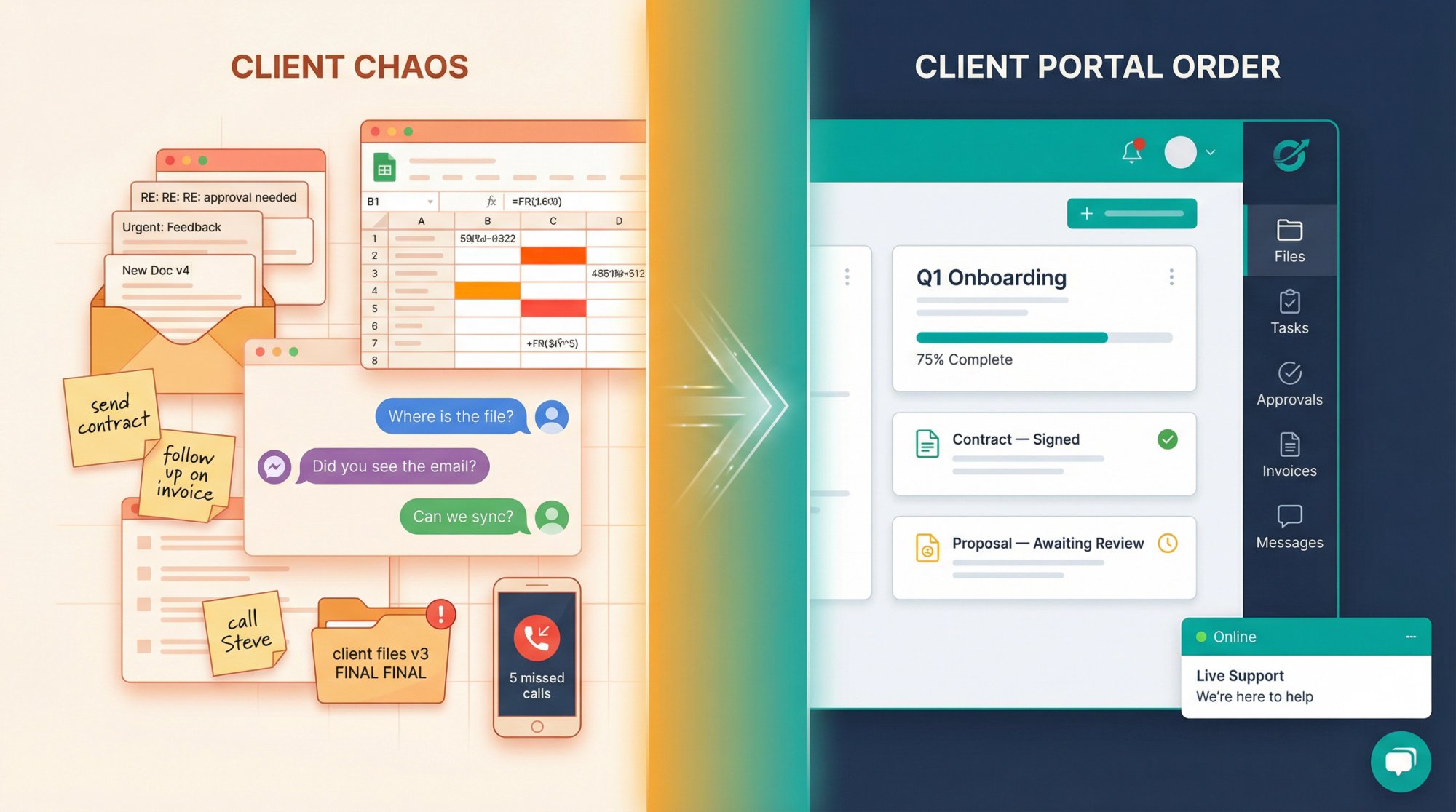
Stop client work from living across email, chat, docs, and random spreadsheets
Give clients a branded place to upload files, approve work, pay invoices, and check status
Replace ad hoc onboarding or service delivery with repeatable workflows
Offer secure self-service support without forcing every question into a ticket queue
That probably sounds obvious. But most listicles miss the mark here: client portal software is not one market. Gartner describes it as a business-client gateway for documents, updates, invoices, feedback, and communication. Zendesk's January 2026 guide defines a client portal as a secure personalized hub for support requests, community, and knowledge-base access. Both definitions are right. They're just describing different portal types.
So before we rank anything, you need to know what type of portal you're actually shopping for.
3 Types of Client Portal Software (and Which One You Need)
Not all client portals do the same job. The market breaks into three categories, and understanding which one you need will save you from buying the wrong tool entirely.
Client workspace portals are built for agencies, consultancies, law firms, accountants, and service businesses. They focus on documents, tasks, onboarding, approvals, billing, and ongoing delivery. If your relationship with clients involves active project work, this is your category.
Secure document portals are for teams where controlled file exchange, audit trails, permissions, encryption, and compliance matter more than fancy project workflows. Think accounting firms collecting tax documents, legal teams sharing contracts, or finance departments exchanging sensitive records.
Support and self-service portals are for companies whose "client portal" is really a customer support hub. Tickets, knowledge base, community forums, and account self-service are the core of what they do. Live chat software often sits alongside these portals to handle real-time questions that the portal alone can't resolve.
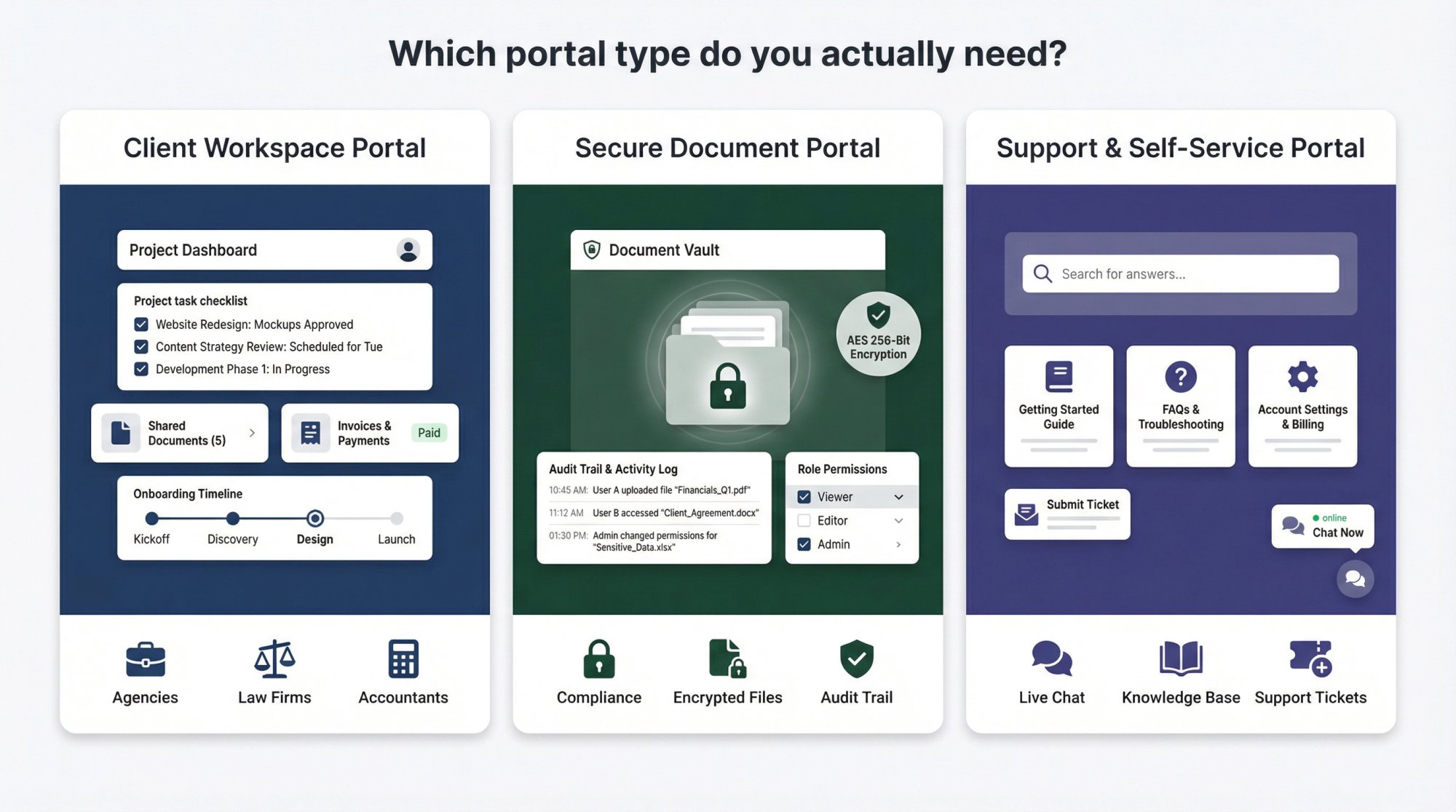
Why this matters: Buying the wrong type is exactly how companies end up with a very secure file vault that can't run onboarding, or a beautiful support portal that can't manage contracts, tasks, or client approvals.
If you take one thing from this guide, let it be this: figure out your portal type before you start comparing features.
Best Client Portal Software for 2026: Quick Comparison
If you want the fastest shortlist, start here:
| Portal | Best For | Starting Price |
|---|---|---|
| Assembly | Most service businesses (overall best) | $39/mo (annual) |
| SuiteDash | All-in-one value, deep white-labeling | $19/mo (annual) |
| FuseBase | Polished collaboration hubs | $32/mo |
| Hubflo | Modern UX for service firms | $67/mo (annual) |
| Clinked | Secure white-label collaboration | $239/mo |
| Moxo | Process-heavy enterprise portals | $200/mo |
| ShareFile | Secure document workflows | $16/user/mo (annual) |
| Wayfront | Productized agencies | $99/mo (annual) |
| Softr | No-code custom portal building | $49/mo |
| Zendesk | Support-first portals | $55/agent/mo (annual) |
And if you need real-time chat and AI support layered on top of any portal, that's where Social Intents comes in. We'll cover that in detail later.
How We Chose These Client Portals: Evaluation Criteria
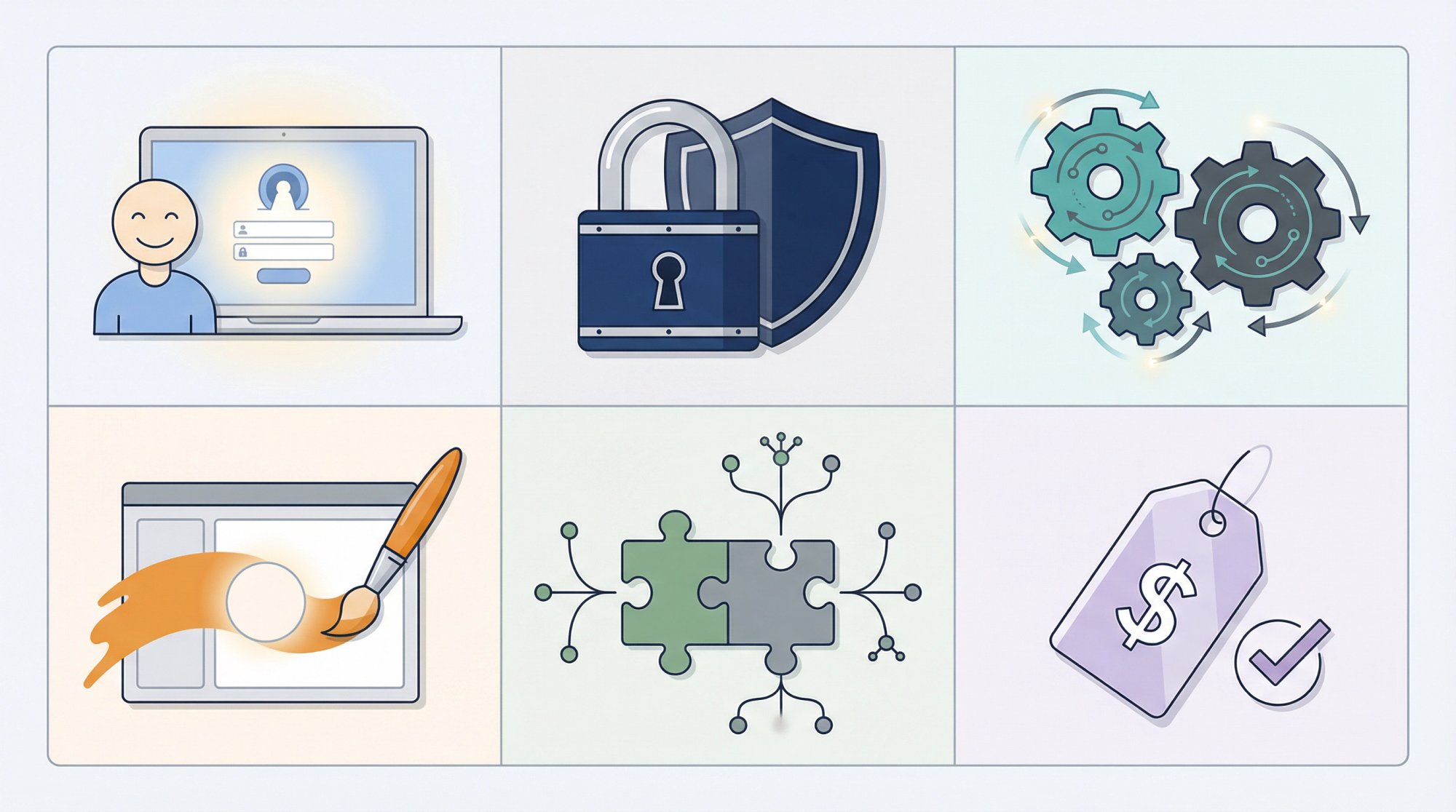
For this list, we prioritized six things over shiny feature counts:
Client experience … Does it actually feel good for the people logging in?
Permissions and security … Can you control who sees what, and prove it?
Workflow depth … Can the portal do real work, or is it just a dressed-up file folder?
White-label and branding … How far can you push the "this is ours" look?
Integration flexibility … Does it play well with billing, CRM, automation, and communication tools?
Pricing clarity … Can you actually figure out what you'll pay without a sales call?
We also intentionally favored tools that still make sense once you have a real team, repeatable delivery, compliance needs, or multiple service lines. A portal that only works for solo freelancers isn't useful for this audience.
10 Best Client Portal Software Reviews for 2026
1. Assembly: Best Overall Client Portal for Service Businesses
| Portal type | Client workspace |
| Best for | Professional service firms that want one branded system for onboarding, files, contracts, billing, and ongoing client work |
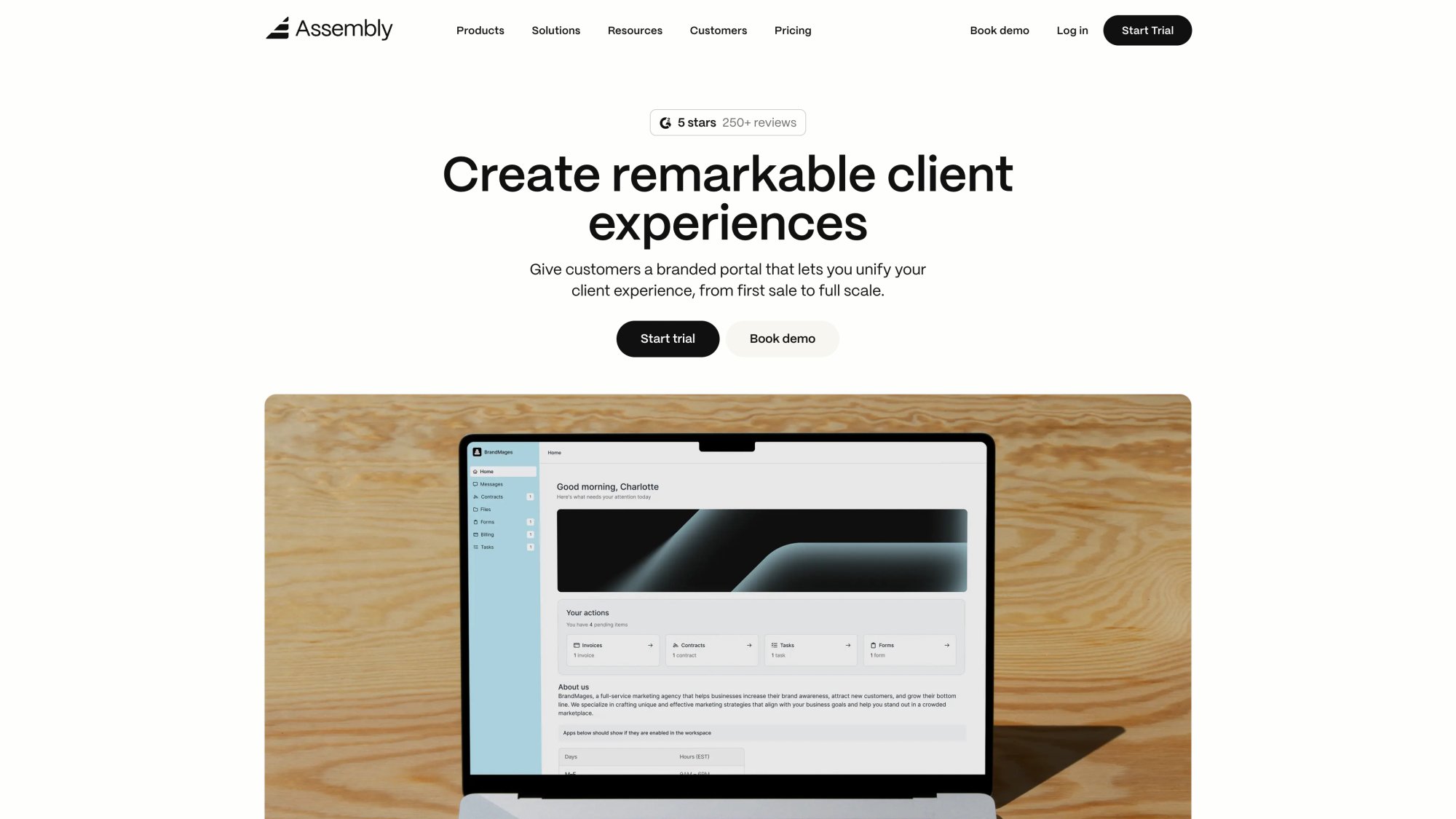
Assembly is our top overall pick for most service businesses because it hits the sweet spot between modern client experience and operational depth. Its plans page shows a clear pricing ladder:
Starter at $39/month on annual billing
Professional at $149/month (up to 500 clients, custom domains, API access, Zapier/Make support)
Advanced at $399/month (removes client limits, adds unlimited automation tasks, client access permissions, BAA for HIPAA compliance)
Assembly also offers a 14-day free trial with no credit card required.
Why it ranks first: it feels like a portal built by people who understand client service operations, not just file sharing. The onboarding workflows, task tracking, and billing integration all live in one place, which means clients get a single branded experience instead of being bounced between tools. Professional services firms that use Assembly often pair it with a live chat layer to handle the real-time questions that portal workflows can't address on their own.
The tradeoff: it's not a support-first portal. If your main need is ticket deflection, multilingual help articles, or a large-scale customer service knowledge base, look further down this list.
2. SuiteDash: Best All-in-One Client Portal Value
Portal type: All-in-one client workspace | Best for: Small to midsize businesses that want maximum functionality per dollar and deep white-labeling
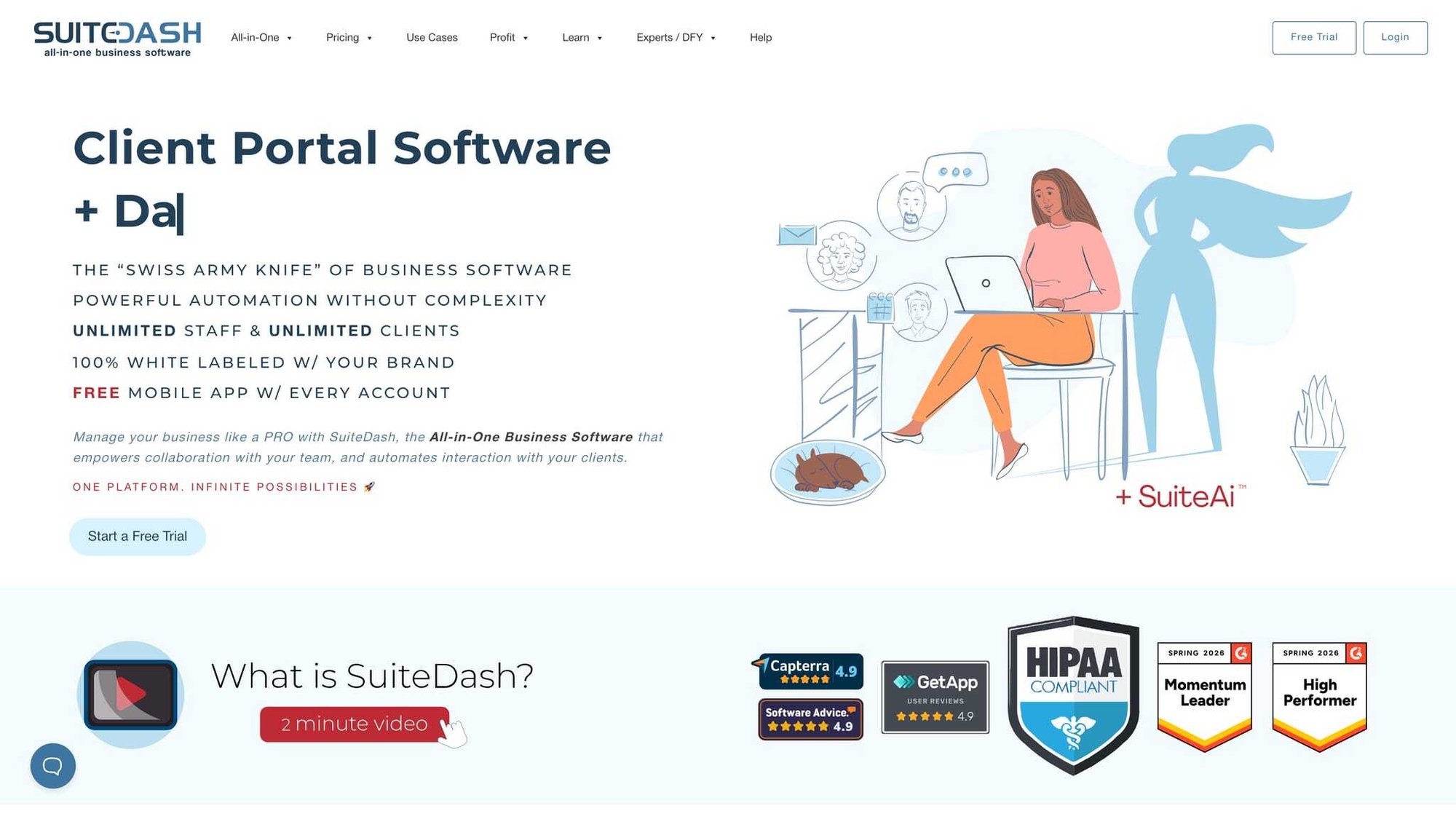
SuiteDash is the value standout on this list. What you get even on the Start plan is remarkable:
→ Unlimited CRM contacts and staff/team
→ Unlimited portals with white-labeling
→ Custom branded mobile app
→ Email marketing included
Start is $19/month or $180/year. Pinnacle is $99/month or $960/year and adds automation, onboarding flows, LMS, support tickets, task dependencies, and client journeys. There's also a 14-day full-featured trial.
If your thinking runs toward "I'd rather run more of the business from one platform," SuiteDash will click for you. It combines portal, CRM, invoicing, e-signature, project management, messaging, and automation better than almost anyone at its price point. Teams using HubSpot or Salesforce alongside SuiteDash can extend that connected-workflow experience with live chat routed directly into their existing CRM environment.
The catch? SuiteDash can feel dense. Some teams will love the depth. Others will feel like they bought a small business operating system when they really just wanted a polished client portal. If you find yourself thinking "this does too much," that's the tradeoff you're running into.
3. FuseBase: Best for Agency Collaboration Hubs
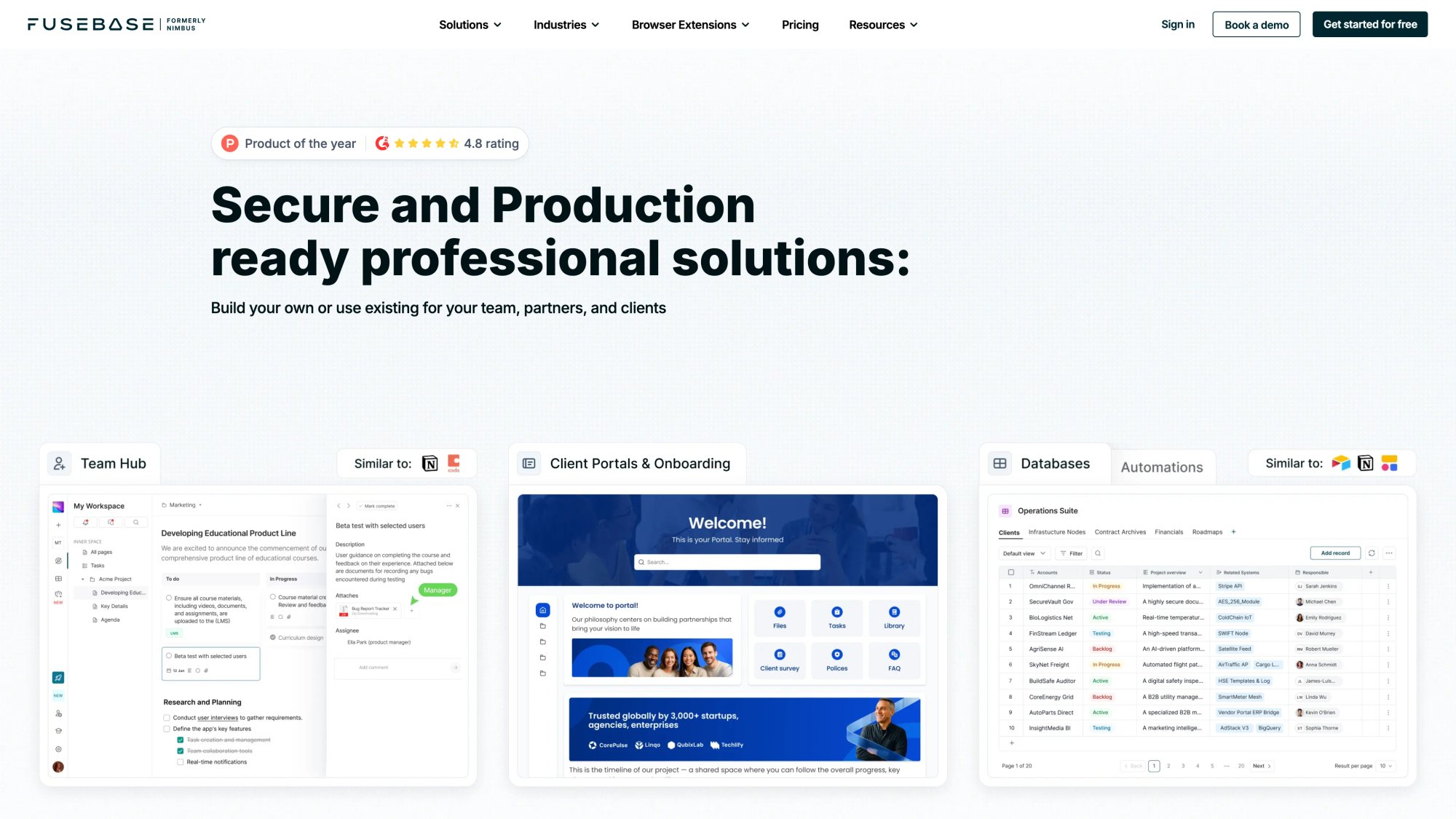
Portal type: Collaboration-first client workspace
Best for: Agencies, consultants, and knowledge-heavy service businesses that want sleek collaboration hubs
FuseBase is strong when your portal needs to feel clean, collaborative, and easy for clients to use without training. It works best for service businesses like digital agencies, creative teams, and consultancies.
Pricing across the four tiers:
| Plan | Price | Trial |
|---|---|---|
| Solo | $32/month | 7 days |
| Essentials | $82/month | 7 days |
| Advanced | $332/month | 14 days |
| Unlimited | Contact sales | None |
White-label and custom domain support are tied to the Advanced plan.
FuseBase is one of the better options if you want the portal itself to feel like part workspace, part knowledge hub, part client-facing dashboard. It's less "back-office system" than SuiteDash and more "collaboration experience." For agencies running client-facing collaboration hubs, pairing FuseBase with a chatbot agency solution lets your team handle real-time client inquiries without ever leaving their existing messaging tools.
The main downside is that the official site's accessible pricing display isn't as clean as some competitors. Plan structure, trials, add-ons, and white-label rules are all confirmed, but budgeting takes a bit more digging than it should.
4. Hubflo: Best Modern Client Portal for Service Firms
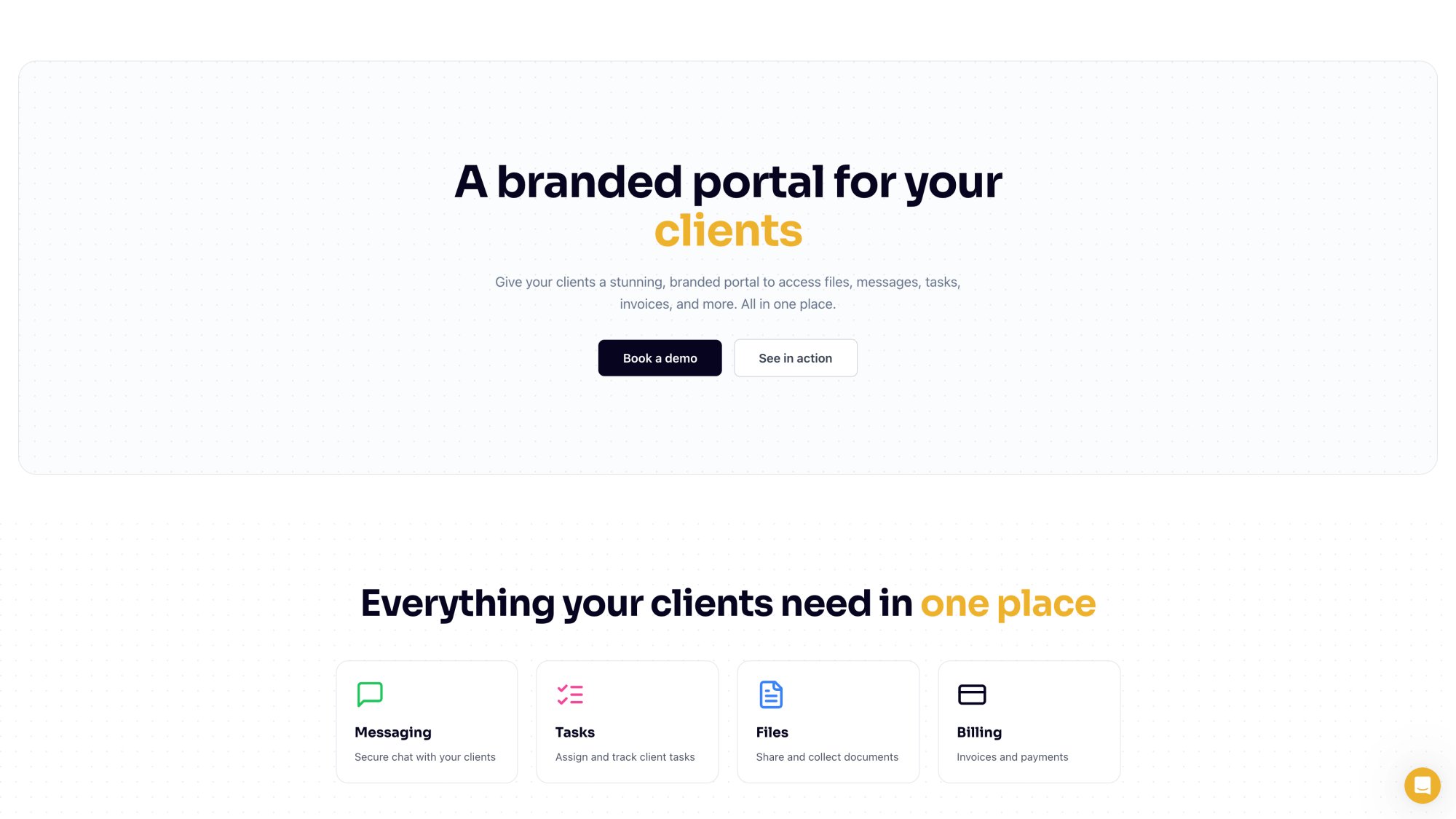
Portal type: Modern client workspace
Best for: Service firms that want a clean client portal without enterprise bloat
Hubflo feels like one of the cleanest modern portals aimed specifically at service businesses. The client portal experience centers around files, messages, tasks, invoices, secure chat, document collection, and branded presentation.
Pricing starts at $67/month billed annually for Starter, $142/month for Business, and $262/month for Unlimited. Business adds project/job tracking, client permissions, SMS notifications, recurring tasks, and API/Zapier access. Unlimited adds custom domain support for your portal. There's also a client portal mobile app add-on starting at $79/month.
Hubflo is a strong pick if you want something that looks modern and does the core client-service jobs well without trying to become an everything platform. Teams using Microsoft collaboration tools can complement Hubflo's structured workflows with Microsoft Teams live chat, routing client messages directly into Teams channels while clients continue using the portal for files and approvals.
One thing to watch: lower plans cap the number of clients. If you expect rapid growth, check those limits carefully before committing.
5. Clinked: Best Secure White-Label Client Portal
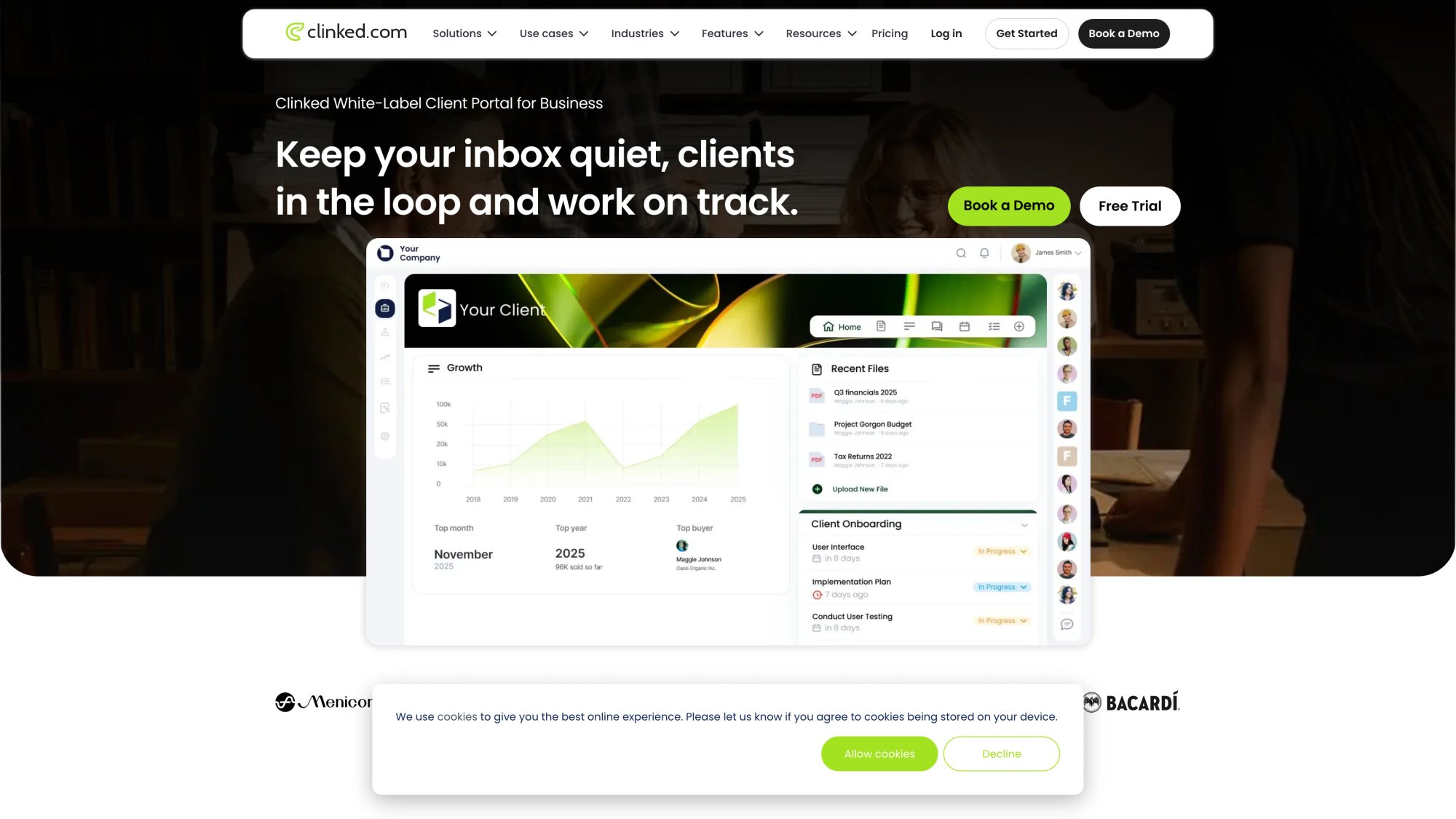
Built for: Firms that care deeply about branded collaboration, structured access, and security. Portal type: Secure white-label collaboration portal.
Clinked is what you buy when secure collaboration is the core requirement. Standard starts at $239/month and includes 100 members, 1 TB storage, real-time group chat, 1-to-1 chat, your own domain, audit trail, and full-text search. Premium is $479/month and adds role-based permissions, enforced 2FA, kanban boards, and custom domain file upload.
Security specs: Clinked claims AES-256 encryption, GDPR coverage, SOC 2 compliance, and HIPAA-ready document management. If compliance is the deciding factor, verify these claims directly during procurement.
This is one of the better choices when you need the portal to feel locked down, structured, and professionally branded. It's especially compelling in environments where clients, partners, or external stakeholders need controlled access and a clear collaboration space. Teams that prioritize security can also extend Clinked's document controls with a live chat platform that keeps communication inside familiar tools like Slack or Teams rather than open consumer channels.
The tradeoff is price. Clinked isn't the budget pick. And while it handles collaboration very well, it's less compelling if you also want built-in CRM, billing, and broader service business operations.
6. Moxo: Best for Enterprise Compliance Workflows
Portal type: Workflow and process portal
Best for: Process-heavy onboarding, compliance, financial workflows, and enterprise client operations
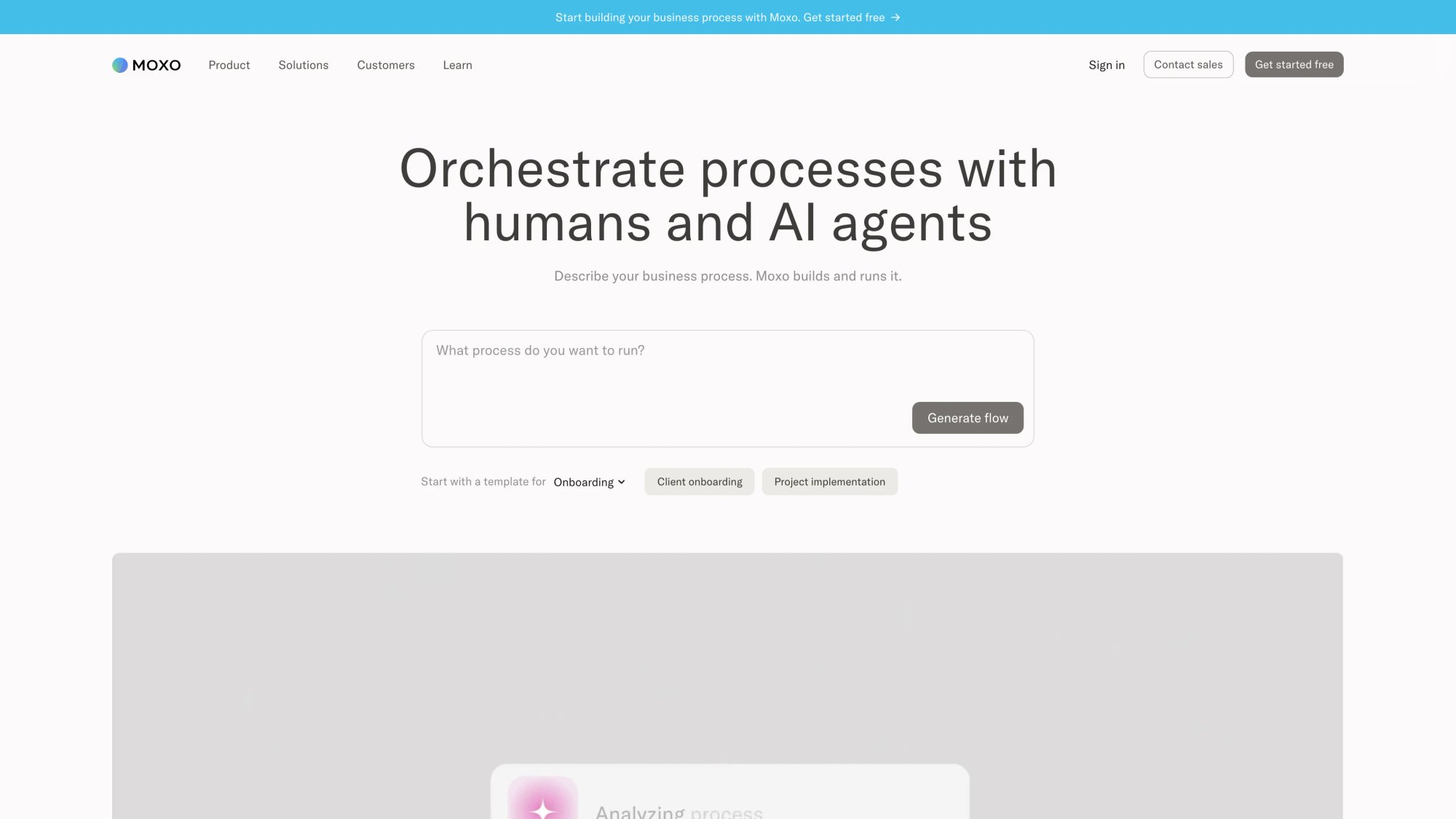
Moxo is one of the strongest platforms on the market if your "client portal" is really a client-facing process engine. The platform positions itself around workflows like:
Patient intake and KYC verification
Loan applications and client onboarding
Project implementation and security assessments
SOC 2 evidence collection, external audit, and due diligence
Moxo's approach is clear: it builds a portal around your process, with AI reviewing files, following up, routing decisions, checking missing documents, and nudging the right people. Business starts at $200/month. External portal access appears in higher tiers, and enterprise options add REST API, SDK options, private cloud, on-prem options, webhooks, and SAML SSO. Teams running complex compliance workflows can enhance Moxo with an AI chatbot that answers routine client questions, freeing human agents for the high-complexity steps that actually require judgment.
This isn't the best pick for a simple agency portal. It is the best pick when the portal must actively move a process forward, especially in onboarding, compliance, and enterprise workflows.
Big caution: verify which tier actually includes the external portal experience you need. Moxo is powerful, but it's not the kind of product you buy casually.
7. ShareFile: Best Secure Document Portal for Regulated Teams
Portal type: Secure document portal | Best for: Regulated teams, accountants, finance, legal, and any business where secure file exchange is central
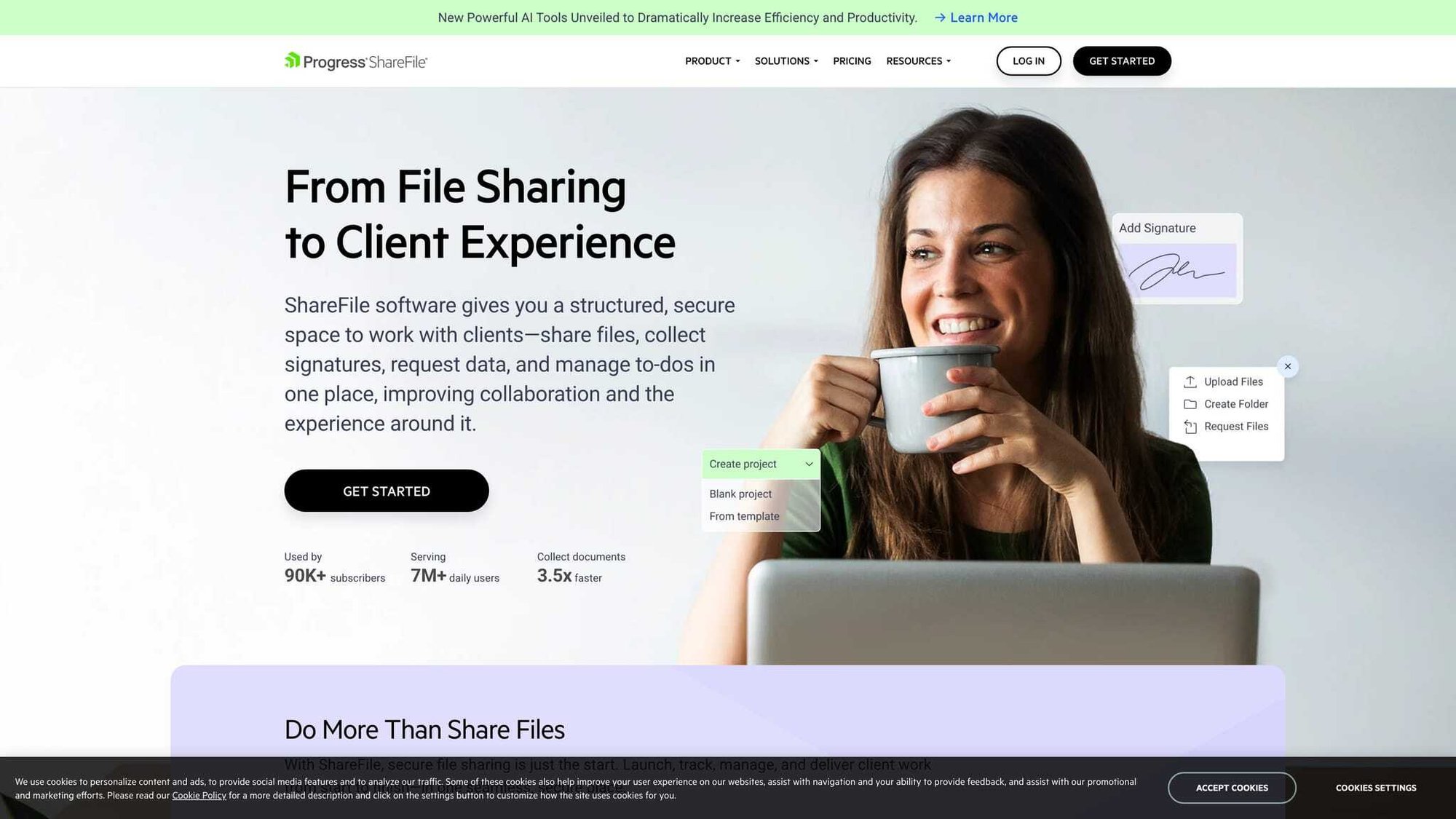
ShareFile is the best document-centric portal on this list for regulated or security-sensitive work. Advanced starts at $16 per user/month billed annually. Premium starts at $25 per user/month (minimum three users) and adds client collaboration tools like e-signature, requests, tasks, forms, workflow automation, and custom-branded client portals. Premium also supports HIPAA, FINRA, and SEC regulatory compliance, includes unlimited client users, and offers encrypted documents, files, and messages plus built-in alerts, comments, task tracking, and a client mobile app.
This is the portal to shortlist when the work revolves around collecting documents, reviewing documents, getting signatures, and proving control over access. Finance and accounting teams often layer a live chat solution on top of ShareFile so clients can ask questions about their documents without picking up a phone or sending an email that gets buried.
Fine print worth reading: ShareFile's compliance claims come with conditions. HIPAA eligibility is only available in Premium and requires a signed BAA. SEC and FINRA eligibility also requires the relevant addendum. Verify this before procurement, not after.
8. Wayfront: Best Client Portal for Productized Agencies
Portal type: Agency-focused client workspace
Best for: Productized service agencies and recurring-service businesses
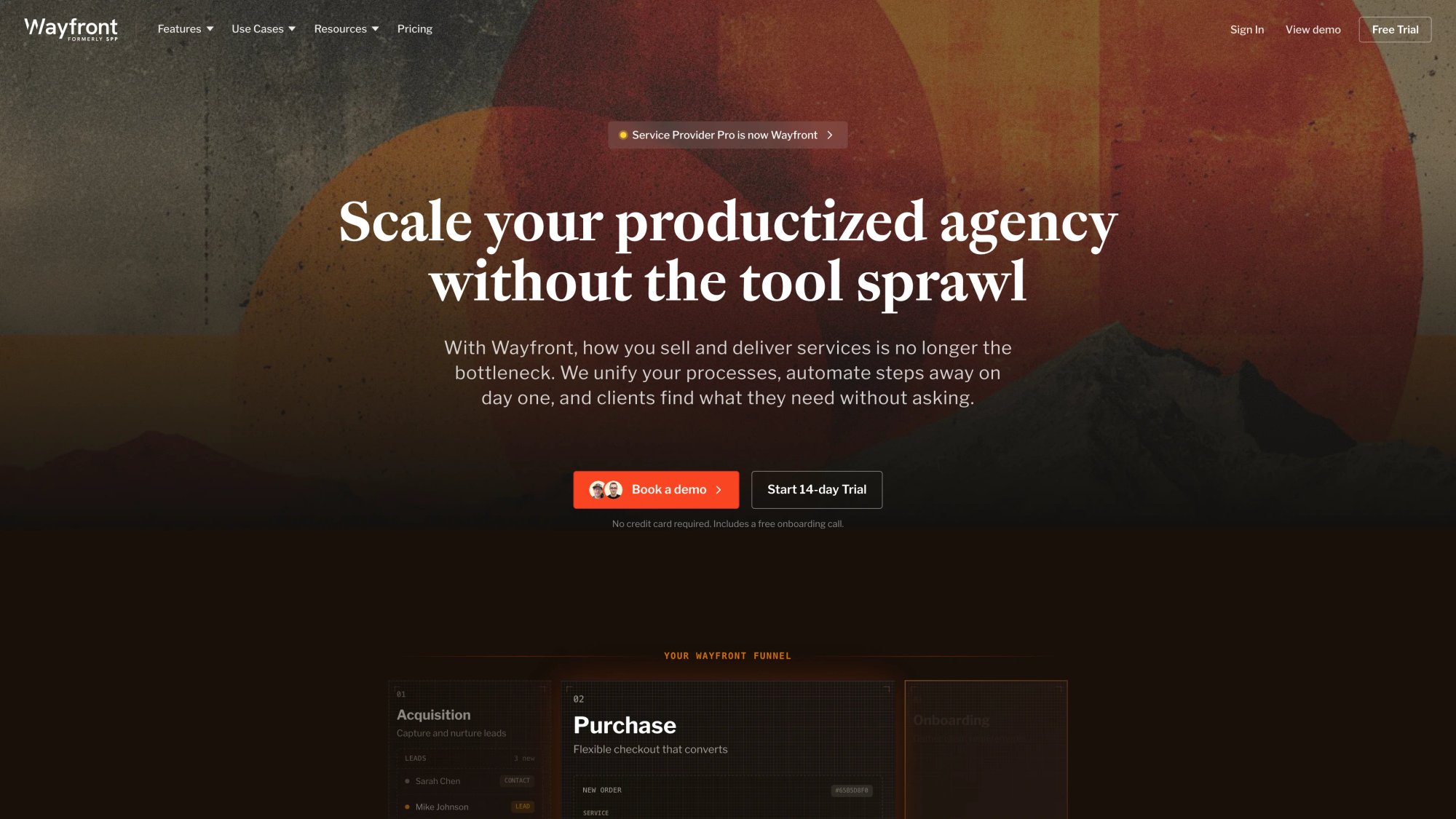
Wayfront (formerly Service Provider Pro) is one of the few platforms here that feels explicitly built for agencies, not just adapted for them.
Base plan at $99/month annual (or $129 month-to-month) includes:
→ White-label client portal
→ CRM with unlimited clients
→ Project and task management
→ Form builder with rules
→ 40+ agency tool integrations
→ Wayfront AI and team/role management
Pro at $249/month annually (or $299 month-to-month) adds client-side teams, portal template editing, and Make automations.
If you sell retained services, productized offers, or agency packages, Wayfront is one of the more natural fits on the market. It understands that agencies need a branded client experience, recurring operational structure, and room to scale without weird client limits. Agencies that want to add AI-powered client communication alongside Wayfront's portal can deploy a white-label chatbot agency solution that handles routine client inquiries while keeping agents in the tools they already use.
Its limitation is also its strength: it's opinionated around agency workflows. If you're running a law firm, medical practice, or compliance-heavy onboarding motion, other tools on this list will fit better.
9. Softr: Best No-Code Custom Portal Builder
| Portal type | No-code custom portal builder |
| Best for | Teams that want to build their own portal around existing data instead of buying a rigid system |
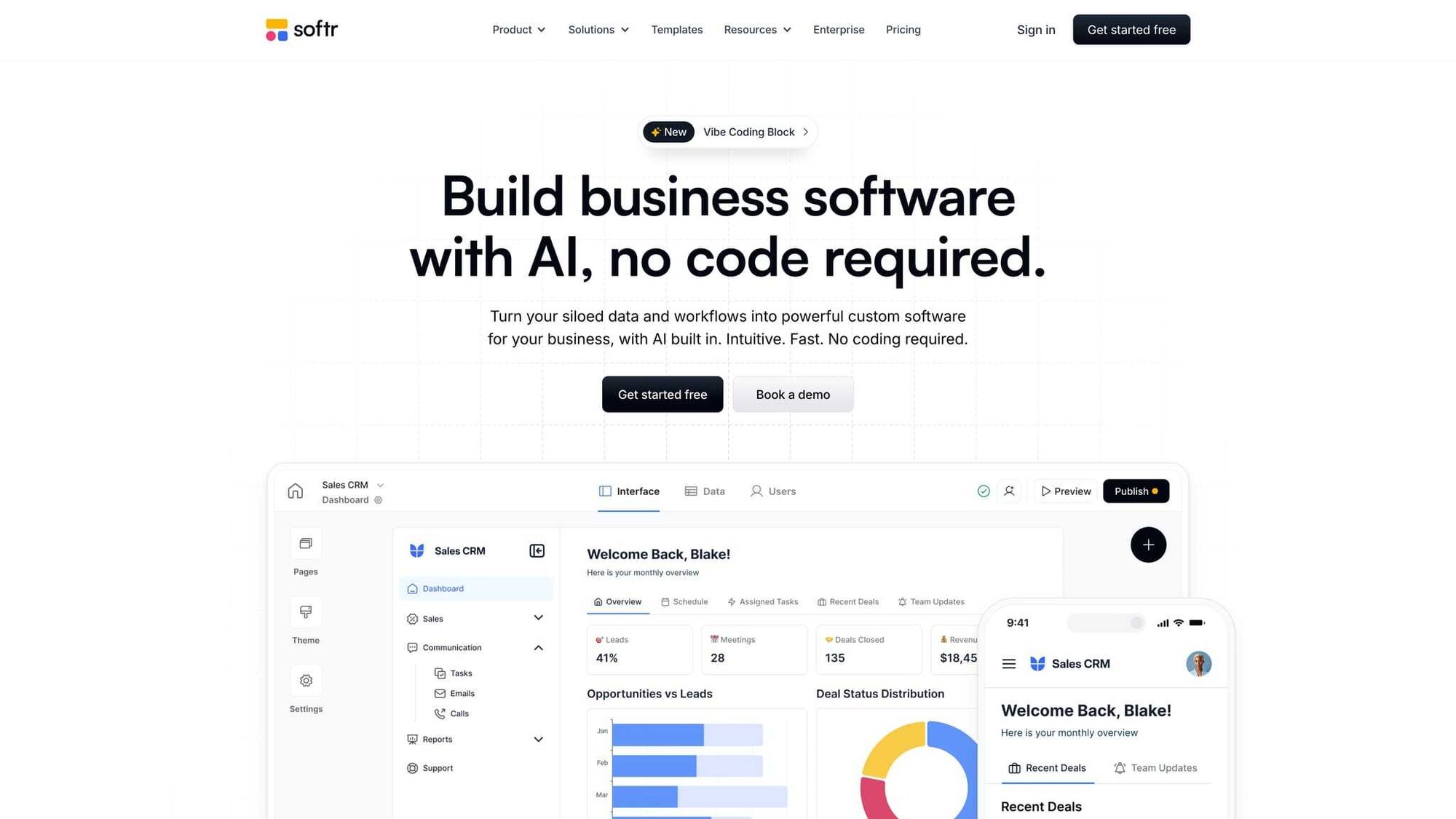
Softr isn't a classic client portal vendor. That's exactly why it belongs here. It lets you build secure portals on top of your own data, whether that data lives in Airtable, Google Sheets, Notion, HubSpot, monday.com, SQL, or Softr's own database. Basic starts at $49/month, Professional at $139/month, and Business at $269/month. Professional includes 100 app users, 500,000 database records, and 10,000 workflow actions. Business bumps that to 500 app users and 1 million database records.
Softr is the right answer when your real problem isn't "which portal app should I buy?" but "how do I turn our existing data and workflow into a usable portal without hiring a full dev team?" It's exceptionally flexible for that use case.
The tradeoff is clear: flexibility means you'll design more of the experience yourself. If you want an out-of-the-box system for contracts, invoices, and service delivery, Assembly or Hubflo will get you there faster.
10. Zendesk: Best Support and Self-Service Portal
Portal type: Support and self-service portal | Best for: Companies whose "client portal" is really a support portal
Zendesk makes this list because a lot of buyers searching for client portal software are actually looking for a customer support portal. Zendesk's guide (updated January 14, 2026) defines a client portal as a secure personalized hub for support requests, community participation, and knowledge-base access. Pricing starts at $55 per agent/month billed annually, and the platform highlights AI agents, an AI-powered knowledge base, ticketing, reporting, single sign-on options, article permissions, and help center localization in over 40 languages.
This is the best choice on our list if you care more about self-service support than project delivery. Zendesk is excellent when the portal is supposed to reduce ticket volume, surface answers, and route support efficiently.
It's not the best option if you need a true service-delivery workspace with contracts, client tasks, billing, and onboarding. That's a fundamentally different use case.
What Features Actually Matter in Client Portal Software
Ignore long checkbox comparison lists for a minute. From first principles, client portals succeed or fail on seven things.

How Easy Is the Client-Facing Experience?
If clients need training just to find a file or submit a form, the portal has already failed. The entire point is to make things easier for the people outside your organization, not just easier for your internal team.
Role-Based Permissions and Audit Trails
A portal is a boundary system. It sits between internal operations and external access. That means authentication, role-based permissions, activity logs, and secure sharing aren't "extra features." They are the whole point. Without proper permissions, a portal is just a shared folder with a login screen.
Does the Portal Do Real Work or Just Store Files?
Can the portal do more than show files? The best tools collect information, request approvals, assign tasks, trigger reminders, and move work to the next step automatically. Platforms that support custom AI actions can take this further, triggering automated responses, pulling data from external systems, and routing work without manual intervention. A portal that just stores documents is a portal that creates more work, not less.
White-Label and Branding Customization
A logo swap isn't true white-labeling. The stronger vendors let you control domain, email domain, notifications, mobile experience, and client-facing navigation. For agencies and service businesses that sell the experience alongside the service, this matters a lot.
Integration with Your Existing Business Tools
A portal gets more valuable when it connects to billing, forms, CRM, e-signature, and automation tools. Developer API access, Zapier, Make, and SDK options matter more than flashy UI demos. The portals that integrate well become the center of your stack. The ones that don't become another silo.
Which AI Features in Client Portals Are Worth It
The best AI use cases right now are document review, missing-info detection, routing, suggestions, agent assist, and faster knowledge retrieval. That matches where Gartner says market value is actually heading: stronger self-service and stronger assisted support, not blind trust in "agentic" hype. A ChatGPT-powered chatbot trained on your content can handle the routine questions while your team focuses on the complex ones.
Real-Time Chat: The Feature Most Portals Miss
This is the blind spot in a lot of portals. Portals are excellent for async work: files, tasks, forms, approvals, status updates. But clients sometimes need an answer right now. And most portal vendors don't solve that problem.
That gap is exactly what we solve at Social Intents. More on that next.
Why Your Client Portal Needs Real-Time Chat
A portal doesn't replace real-time conversation. That's the part most client portal guides skip entirely.
Most portals are strongest at async work. Documents, forms, approvals, tasks, invoices, status tracking. All of that works great when the client can wait. But the moment someone is stuck mid-form, confused about a contract clause, or frustrated about a delayed approval, they don't want to submit a ticket and wait. They want to talk to someone.
And that's where most portal setups fall apart. The client either sends an email (which gets buried), calls a direct number (which interrupts everyone), or just stops working in the portal until someone notices.
This is the gap Social Intents is built to fill.
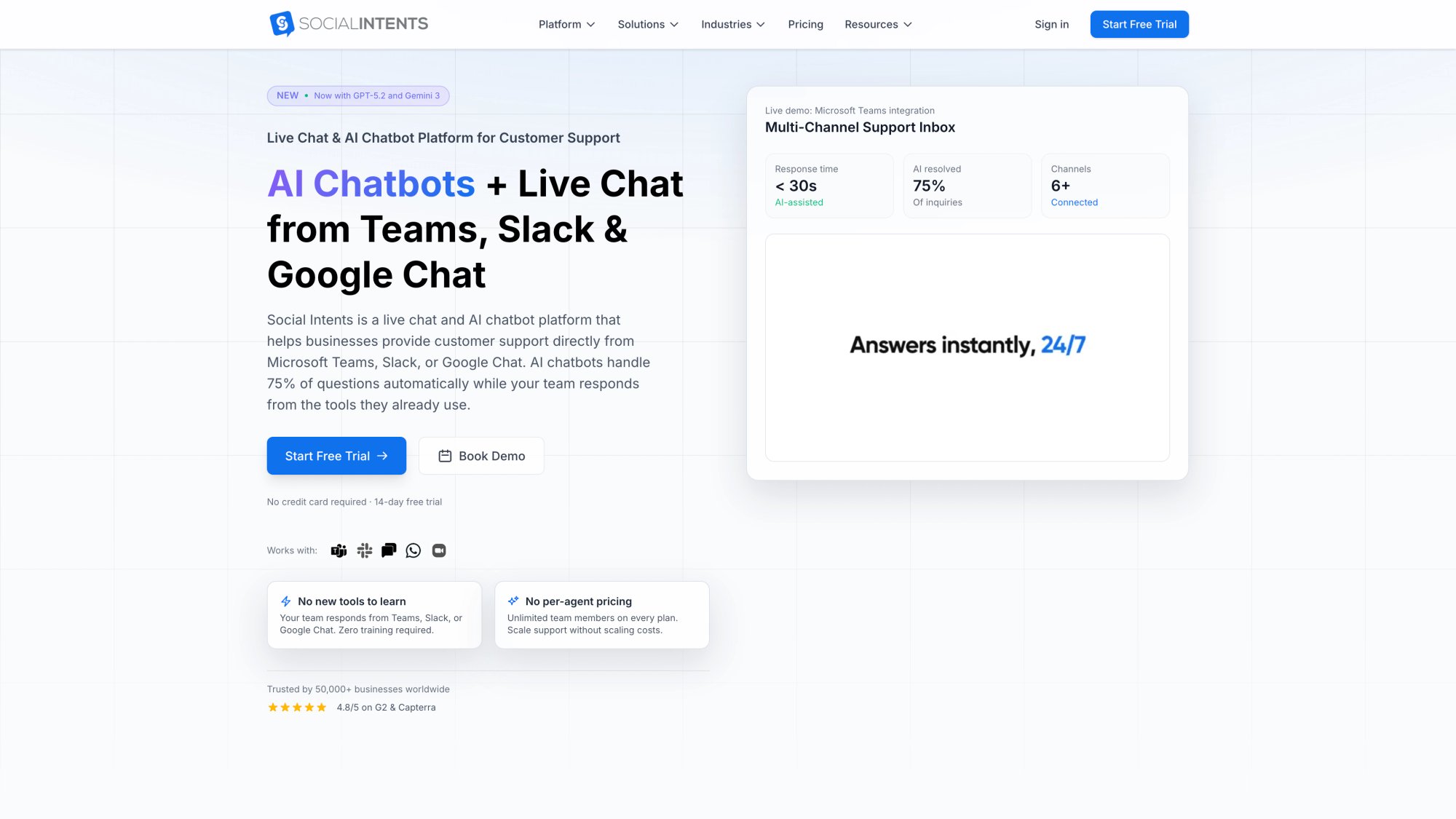
We're a live chat and AI chatbot platform that lets your team answer client chats directly from the tools they already use: Microsoft Teams, Slack, Google Chat, Zoom, or Webex. No separate inbox. No new software to learn. Your agents stay in Teams or Slack, and client messages show up right there.
A few things make this particularly useful alongside client portal software:
AI chatbots with human handoff. Set up an AI chatbot that answers common client questions instantly, trained on your own content and documents. When the AI can't handle something (or when the question needs a human touch), it hands off to a live agent in Teams, Slack, or whichever tool your team prefers. You can run it as AI-only, hybrid AI+human, or AI after hours when agents are unavailable.
Custom AI actions. This is one of the features our customers are most excited about. You can connect Social Intents to your existing tools so the chatbot can pull order status, create support tickets, check shipping updates, and more during a live conversation. It turns the chat into something genuinely useful, not just a message box.
White-label for agencies. Our Agency/Reseller plan at $299/month includes 20 chatbots/live-chat apps, 10,000 monthly conversations, 10,000 training docs, white-label branding, sub-accounts, and a brandable portal. If you're running an agency that already uses a client portal like Assembly, SuiteDash, or Wayfront, you can layer a white-label chat and AI support experience right alongside it.
Unlimited agents from the Basic plan. Most live chat tools charge per agent. Social Intents gives you unlimited agents from the Basic plan ($69/month annual), so adding team members doesn't blow up your budget.
Works everywhere your clients are. Shopify, BigCommerce, Wix, WordPress, Webflow. The chat widget installs in minutes on any platform.
The strategic angle is simple. Your client portal handles the structured work: files, tasks, approvals, invoices. Social Intents handles the moments when a client needs a real-time answer. Together, they cover the full client experience.
Ready to close the real-time gap in your client portal? Start a free 14-day trial of Social Intents and see how live chat from Teams, Slack, or Google Chat can transform your client communication.
Which Client Portal Should You Actually Choose?
The simplest way to decide:
| Your Situation | Best Pick |
|---|---|
| Service business needing one home for onboarding, files, tasks, billing | Assembly, Hubflo, or SuiteDash |
| Want maximum value per dollar with white-labeling | SuiteDash |
| Clean collaboration hub that's easy for clients to navigate | FuseBase |
| Document security, auditability, and controlled sharing are top priority | ShareFile or Clinked |
| Portal must actively run a multi-step compliance or onboarding process | Moxo |
| Productized or recurring agency services | Wayfront |
| Build a custom portal around your own data | Softr |
| Portal is mainly about support and self-service | Zendesk |
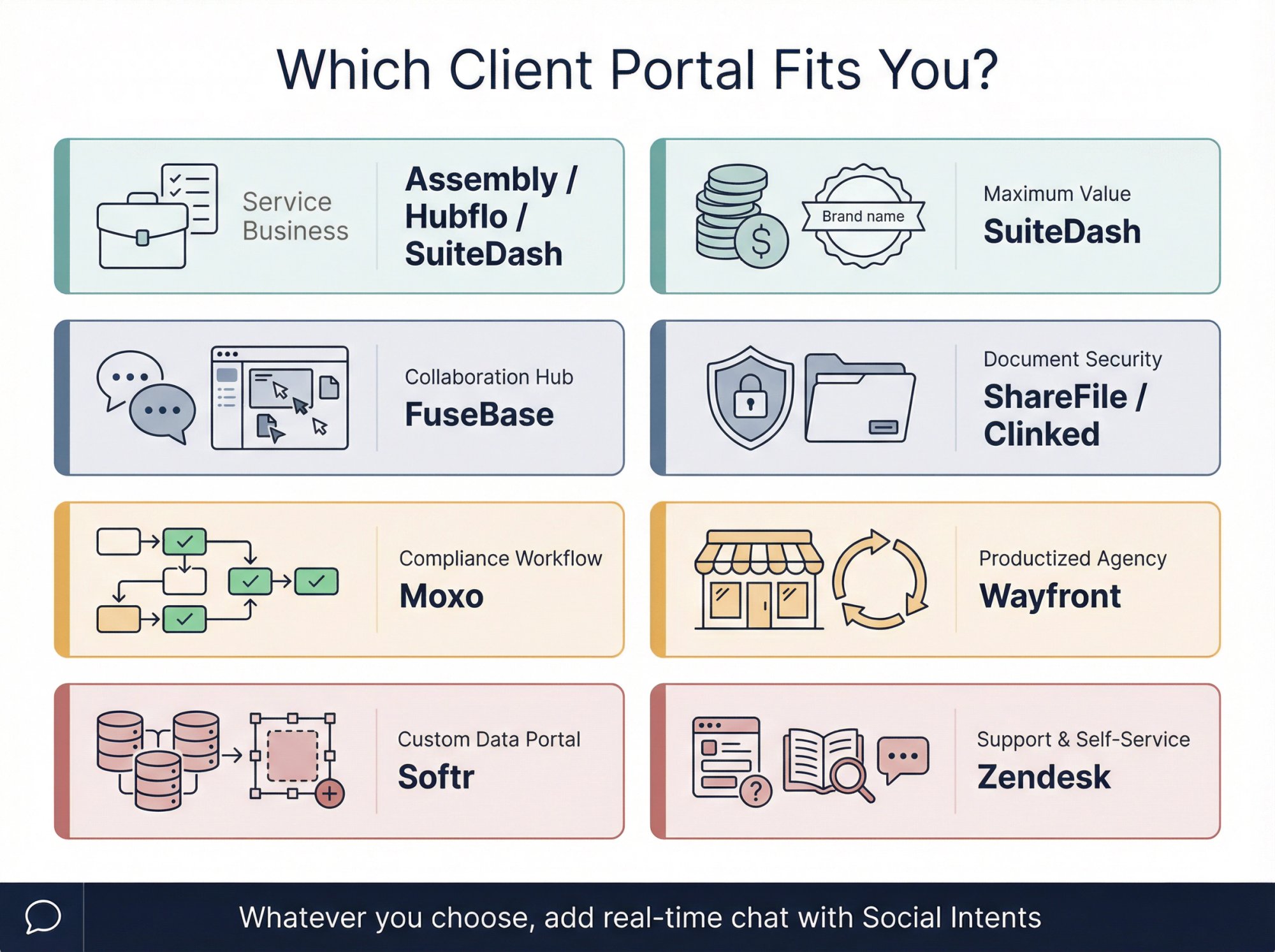
And no matter which portal you choose, consider layering Social Intents on top for the real-time support piece. Portals handle structured work. Live chat handles the "I need help now" moments that portals aren't built for.
Client Portal Software: Frequently Asked Questions
What Is Client Portal Software?
Client portal software is a secure digital front door for working with clients. It serves as a gateway where businesses and clients exchange documents, project updates, invoices, feedback, and communication. In practice, "client portal software" now spans three categories: client workspaces, secure document portals, and support portals. The right definition depends on what you're actually trying to centralize.
What's the Difference Between a Client Portal and a Customer Portal?
A client portal is usually more relationship and workflow oriented. Think onboarding, files, approvals, tasks, invoices, and ongoing delivery. A customer portal is usually more support oriented. Think tickets, knowledge base, self-service, and account help. The terms overlap, but the buying criteria are different. Zendesk sits on the customer portal side. Assembly, Hubflo, and SuiteDash sit on the client workspace side.
What Does Client Portal Software Cost in 2026?
There's a wide spread across the market:
| Category | Tools | Starting Price |
|---|---|---|
| SMB all-in-one | SuiteDash | $19/month |
| Service business portals | Assembly, Hubflo, Wayfront | $39–$99/month |
| Secure document tools | ShareFile | $16–$25/user/month |
| Enterprise/compliance portals | Moxo, Clinked | $200–$239/month |
Which Client Portal Software Is Best for Agencies?
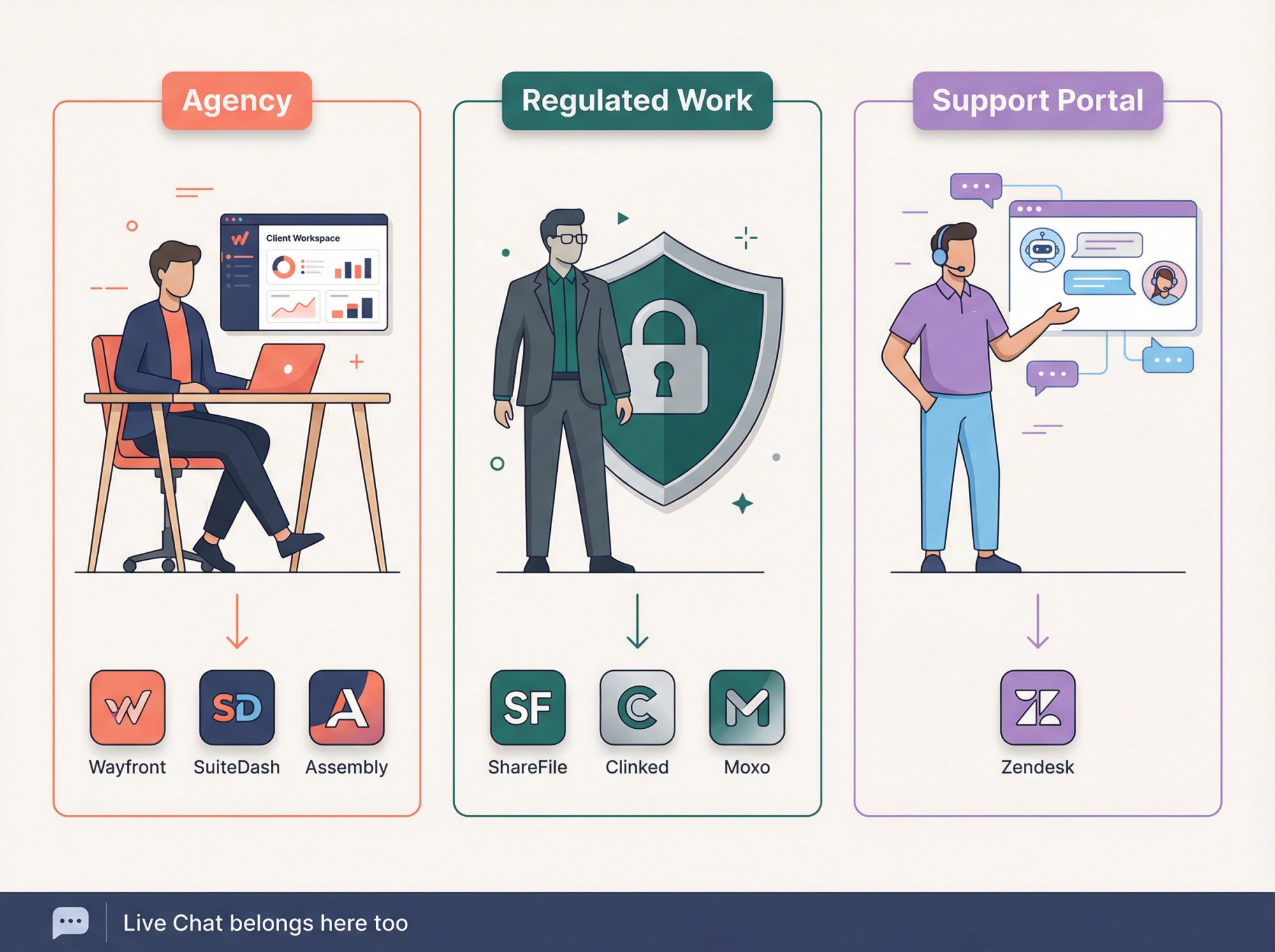
For most agencies, the strongest shortlist is Wayfront, SuiteDash, and Assembly. Choose Wayfront if you run a productized or recurring-service agency. Choose SuiteDash if maximum white-label value matters most. Choose Assembly if you want the best balance of polished client experience and operational depth. All three integrate well with live chat tools that your support team can manage from Microsoft Teams or Slack.
Which Client Portal Is Best for Compliance and Security?
Shortlist ShareFile, Clinked, and Moxo. ShareFile is strongest for secure document collection and collaboration. Clinked is strong for branded secure collaboration with tighter access control. Moxo is best when security and compliance live inside a larger workflow process.
Do I Need Live Chat Inside a Client Portal?
Not always. But if clients regularly ask blocking questions while reviewing documents, status pages, or forms, a portal alone isn't enough. That's exactly the scenario where real-time chat makes a measurable difference. At Social Intents, we solve this by letting teams answer chats directly from the tools they already use, whether that's Microsoft Teams, Slack, Google Chat, Zoom, or Webex. It's a lightweight way to add a real-time support layer without overhauling your entire stack.
Can I Add Live Chat to Any Client Portal?
Yes. If your portal has a web-based client interface (which all the portals on this list do), you can add a live chat widget alongside it. Social Intents installs in minutes on any website, Shopify store, WordPress site, or web app. It works as a complementary layer on top of whatever portal you choose, handling the real-time conversations that portals aren't designed for.
How to Pick the Right Client Portal Software for 2026
If you want the safest shortlist for most service businesses in 2026, start with Assembly, Hubflo, and SuiteDash.
If your decision is really about security and regulated document exchange, start with ShareFile, Clinked, and Moxo.
If your real job is support and self-service, start with Zendesk.
And if you want to build a portal shaped around your own data instead of adapting to someone else's workflow, Softr is the best builder in this group.
The biggest mistake you can make is searching for "best client portal software," seeing a big list, and assuming all portals do the same job. They don't. The right purchase starts by being honest about what you're actually trying to centralize: client work, secure files, or customer support.
Whatever portal you pick, don't forget the real-time communication layer. Portals handle the structured work. But when clients need an answer now, that's where Social Intents steps in. Live chat from Teams and Slack, AI chatbots trained on your content, and human handoff when it matters.
Try Social Intents free for 14 days and see the difference real-time chat makes alongside your client portal.